OpsHub - Office Manager

Overview
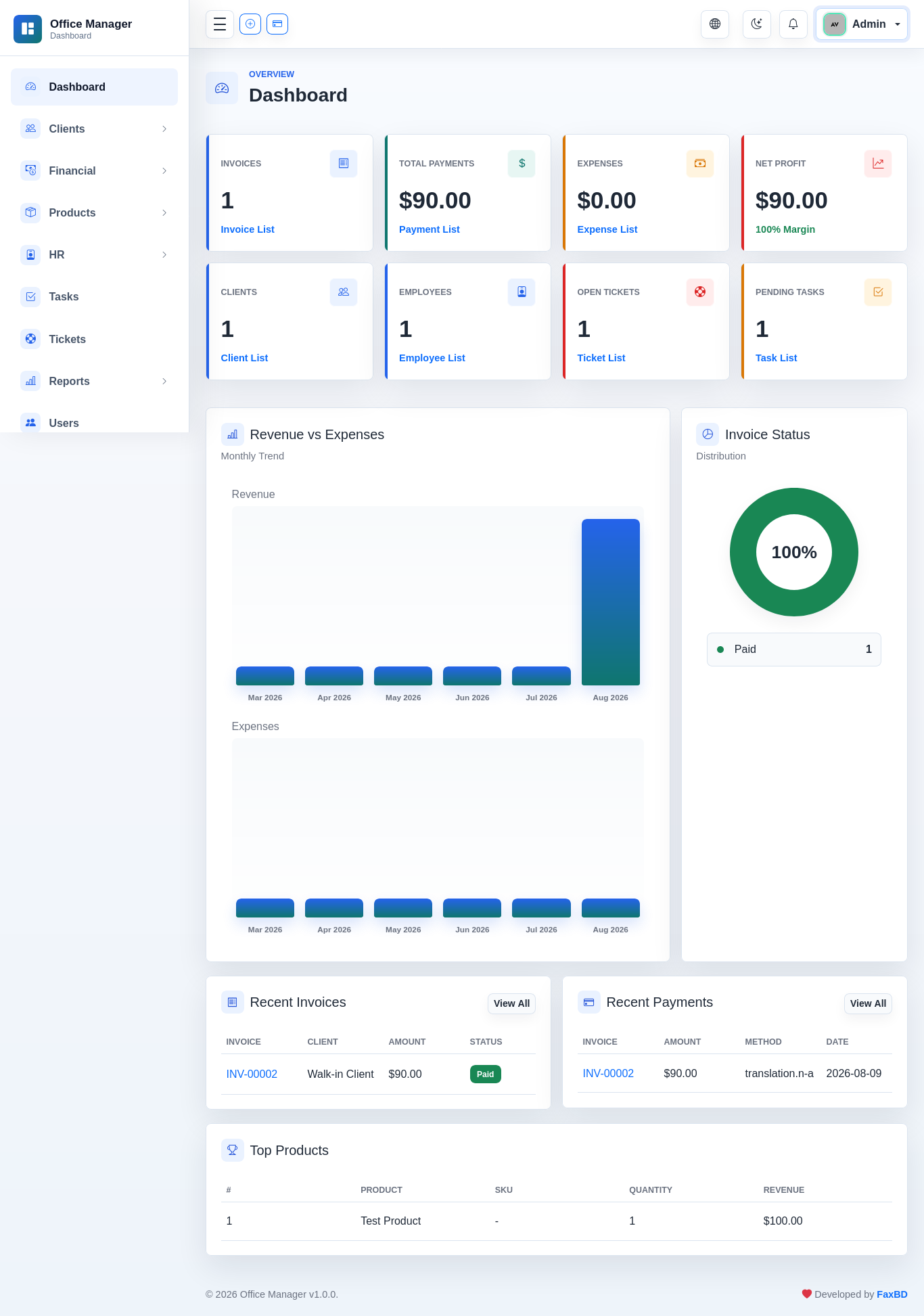
OpsHub - Office Manager with Invoicing, HR & Client Portal Suite Full-featured invoice management application with invoicing, quotations, payments (with advance/deposit handling), expense tracking, product catalog, HR management, support tickets, SMS notifications, and multi-language support. Single-tenant architecture, deployable on shared hosting — including subdirectory installs.
Key Features
- Invoice lifecycle: Draft → Sent → (Overdue) → Partially Paid → Paid
- Multi-tax engine (compound + deductible) with per-line discount support
- Client advance/prepayment management with auto-application to invoices
- Quotations with one-click conversion to invoices
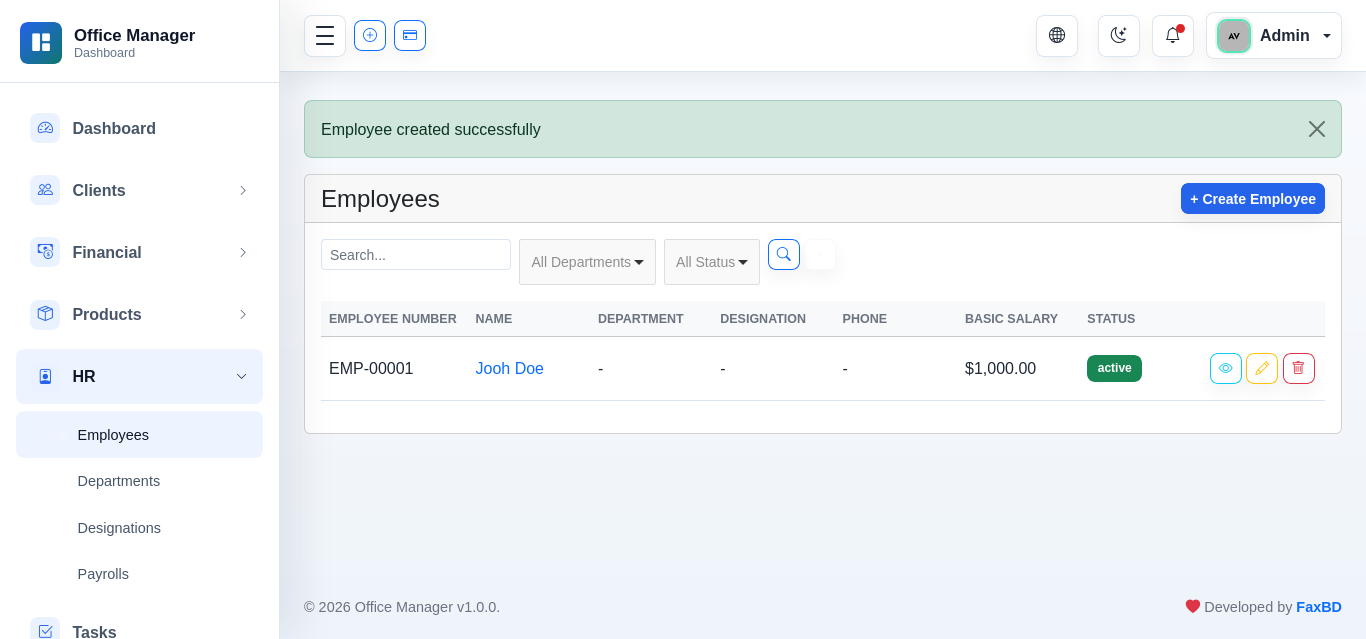
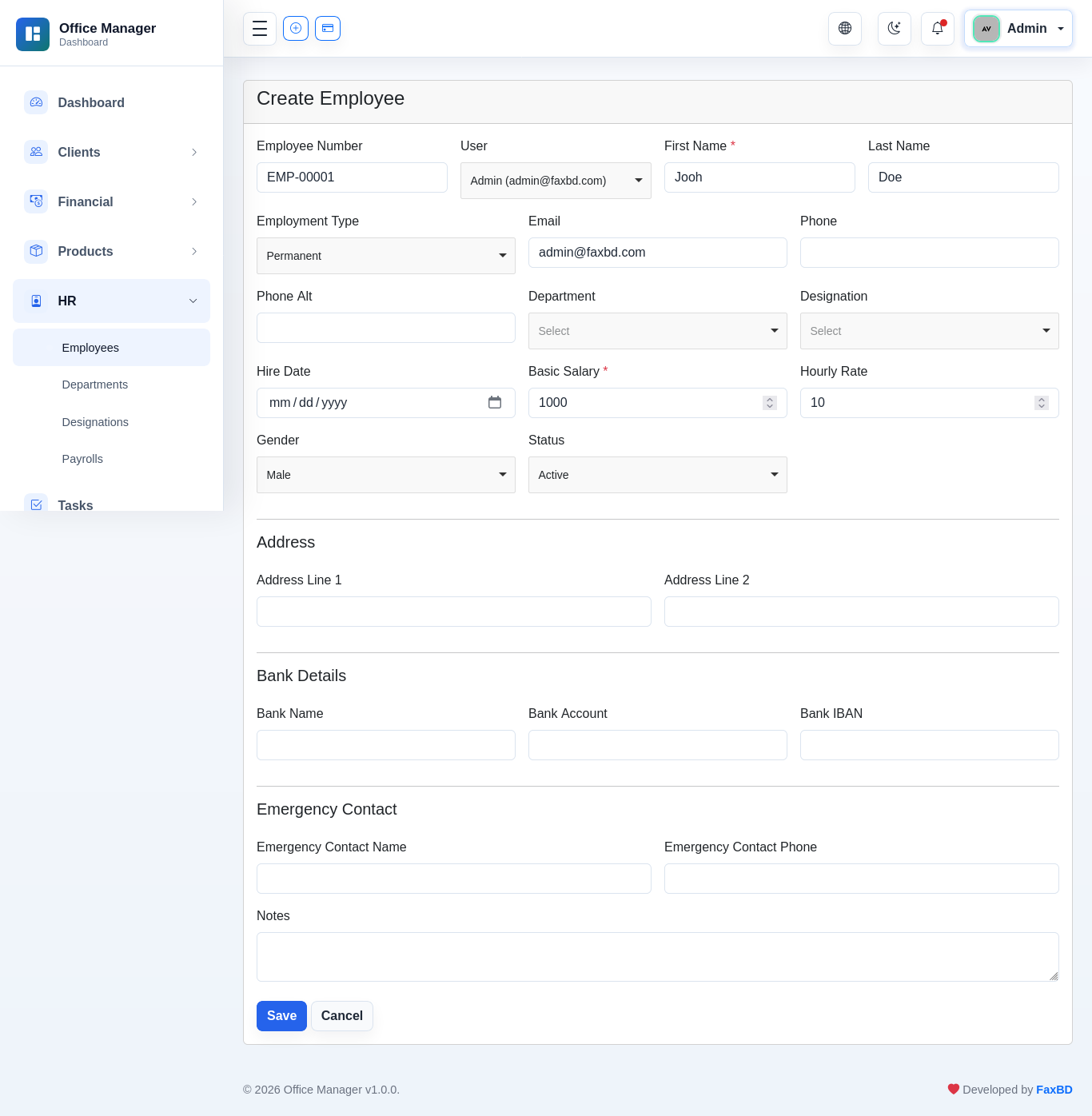
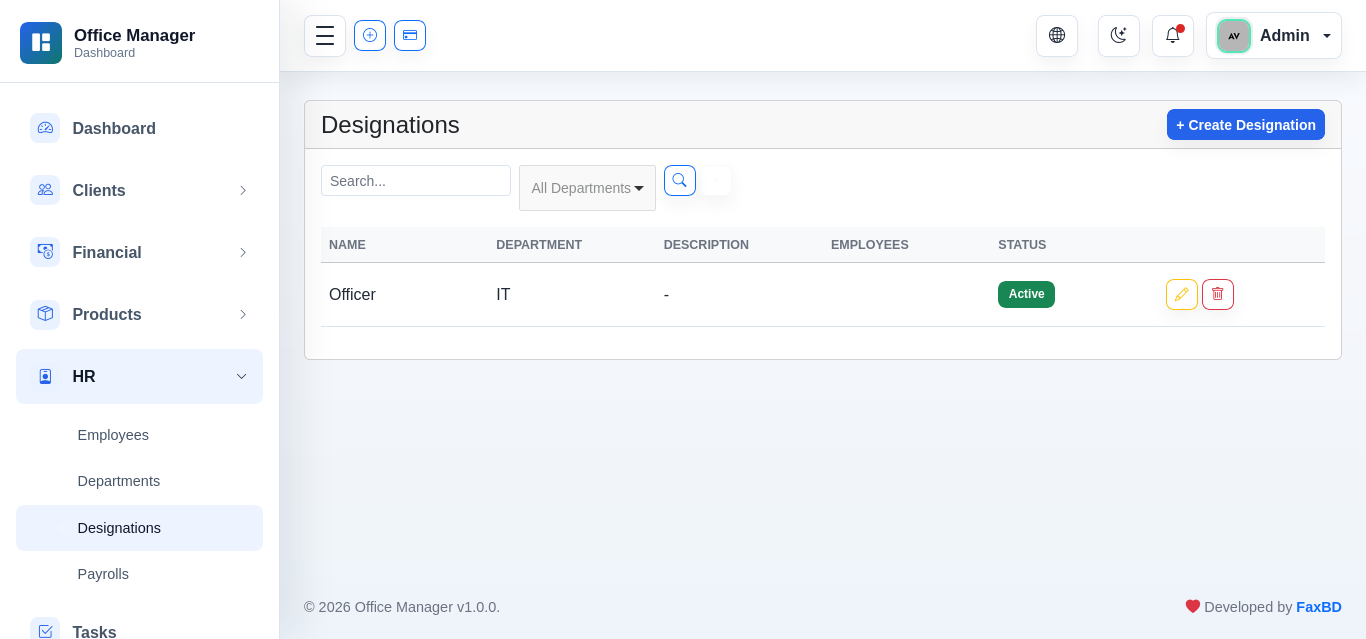
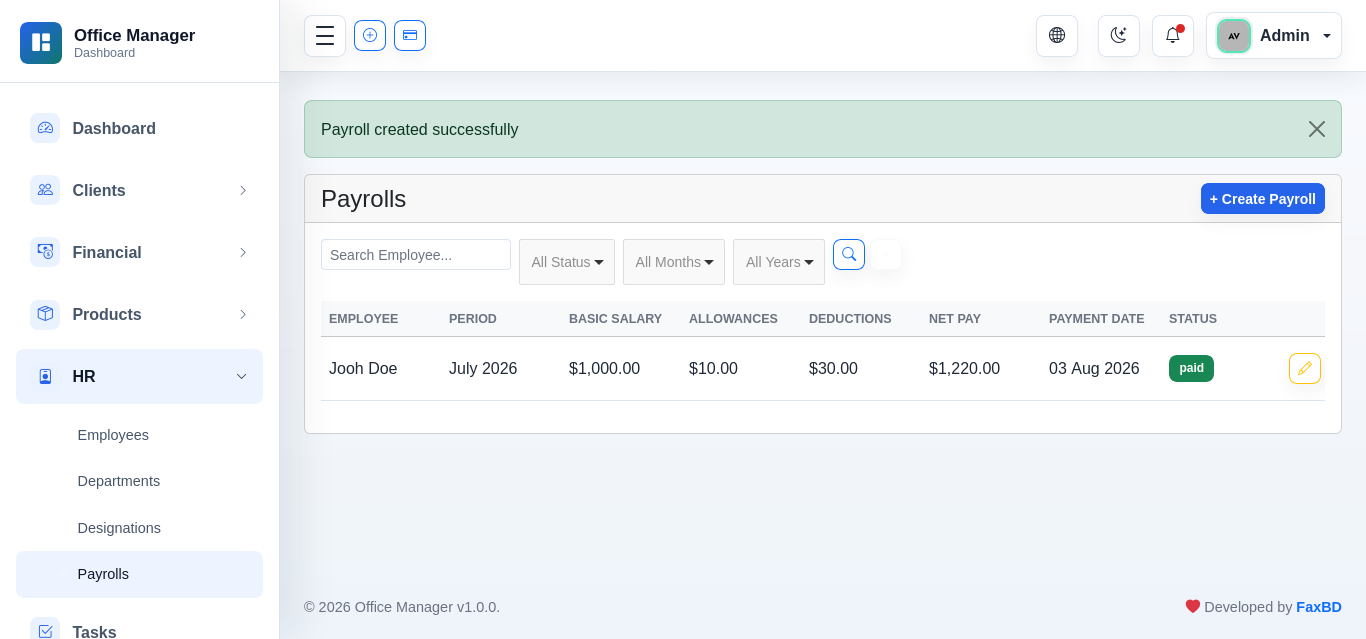
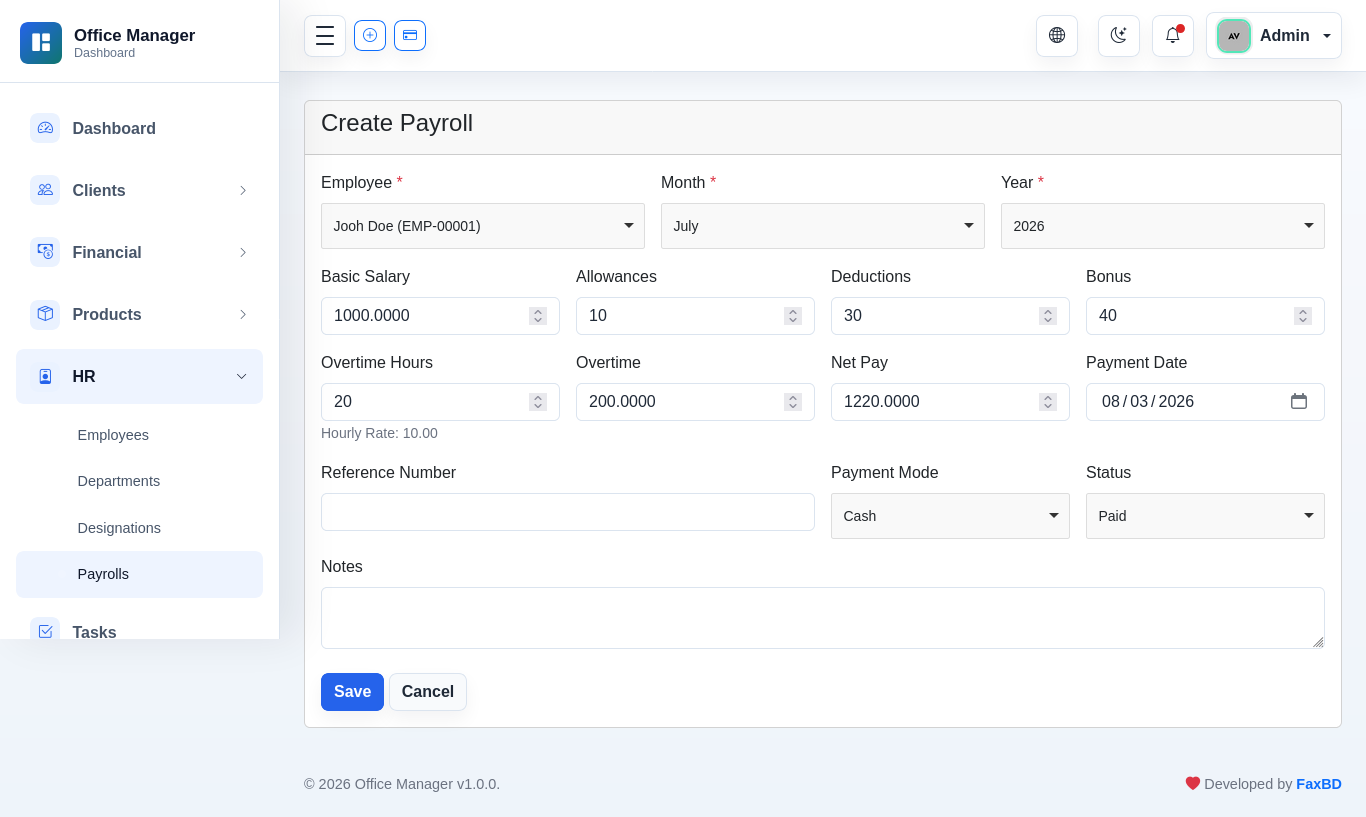
- HR module: Departments, Designations, Employees, Payrolls, Tasks
- Support ticket system with replies
- SMS outbound messaging (Twilio / Vonage / Log)
- Email log with send option (auto-logs every outgoing email)
- 13 languages with RTL support for Arabic
- GDPR-compliant client portal (access, rectify, erase)
- Dynamic whitelabel/branding (logos, site name, favicon)
- Activity log with notification dispatch
- Invoice PDF designer (colors, labels, logo)
- REST API (Sanctum)
 - Select Language.png)
Tech Stack
| Component | Technology |
|---|---|
| Backend Framework | Laravel 12.65 |
| PHP Version | 8.2+ |
| Database | MySQL / MariaDB with fx_ table prefix (configurable) |
| Frontend | Bootstrap 5, Choices.js, FullCalendar, DataTables |
| Auth (Staff) | Laravel UI (session-based) |
| Auth (Client Portal) | Custom clients guard (Authenticatable model) |
| API Auth | Laravel Sanctum (token-based) |
| Blade-to-PDF (custom rendering) | |
| SMTP (configurable via settings) | |
| Session | File-based driver |
Installation
Prerequisites
- PHP 8.2 or higher (with PDO, MySQL, cURL, mbstring, XML, BCMath, JSON, Tokenizer extensions)
- MySQL / MariaDB database server
- Apache or Nginx web server
- Composer (for dependency installation)
Manual Setup
- Upload the script files to your web server.
- Run
composer install --no-devin the script root. - Set webroot to
public/directory. - Navigate to your domain in a browser — the installer will launch automatically.
Web Installer (Recommended)
The application includes a 5-step web-based installer that guides you through setup. Simply visit your domain and the installer starts automatically.
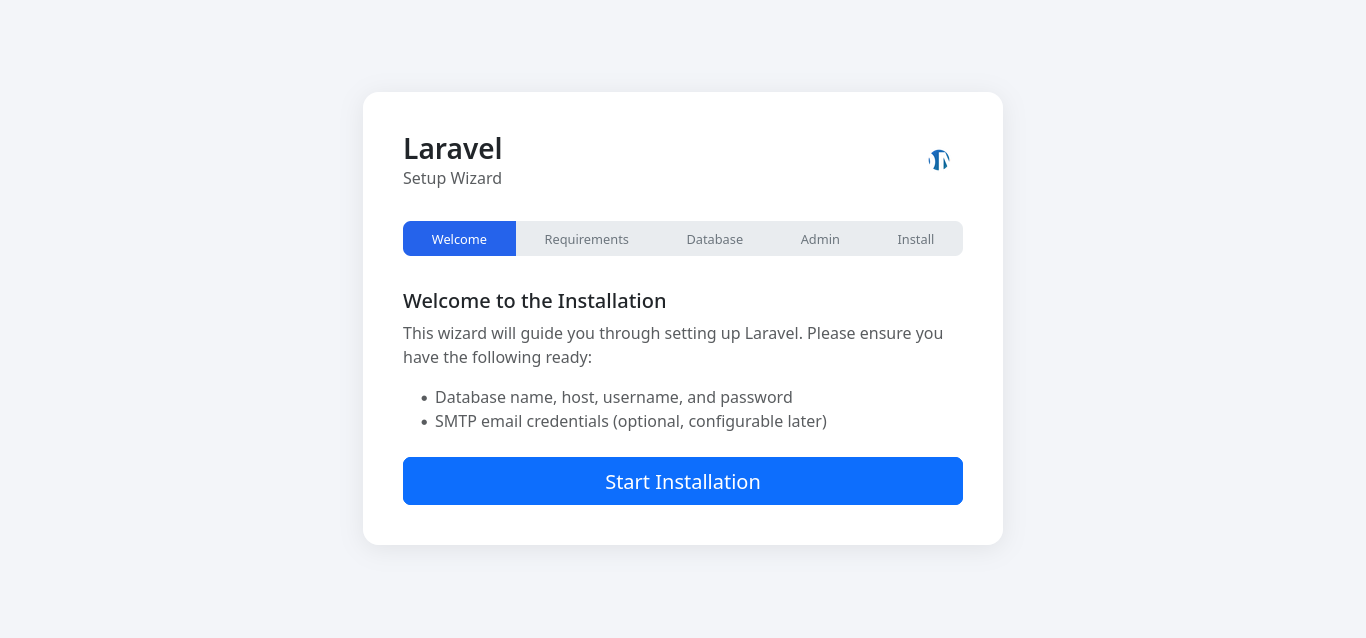
Step 1: Welcome
Introduction screen with the application name and a "Start Installation" button.
Step 2: Requirements Check
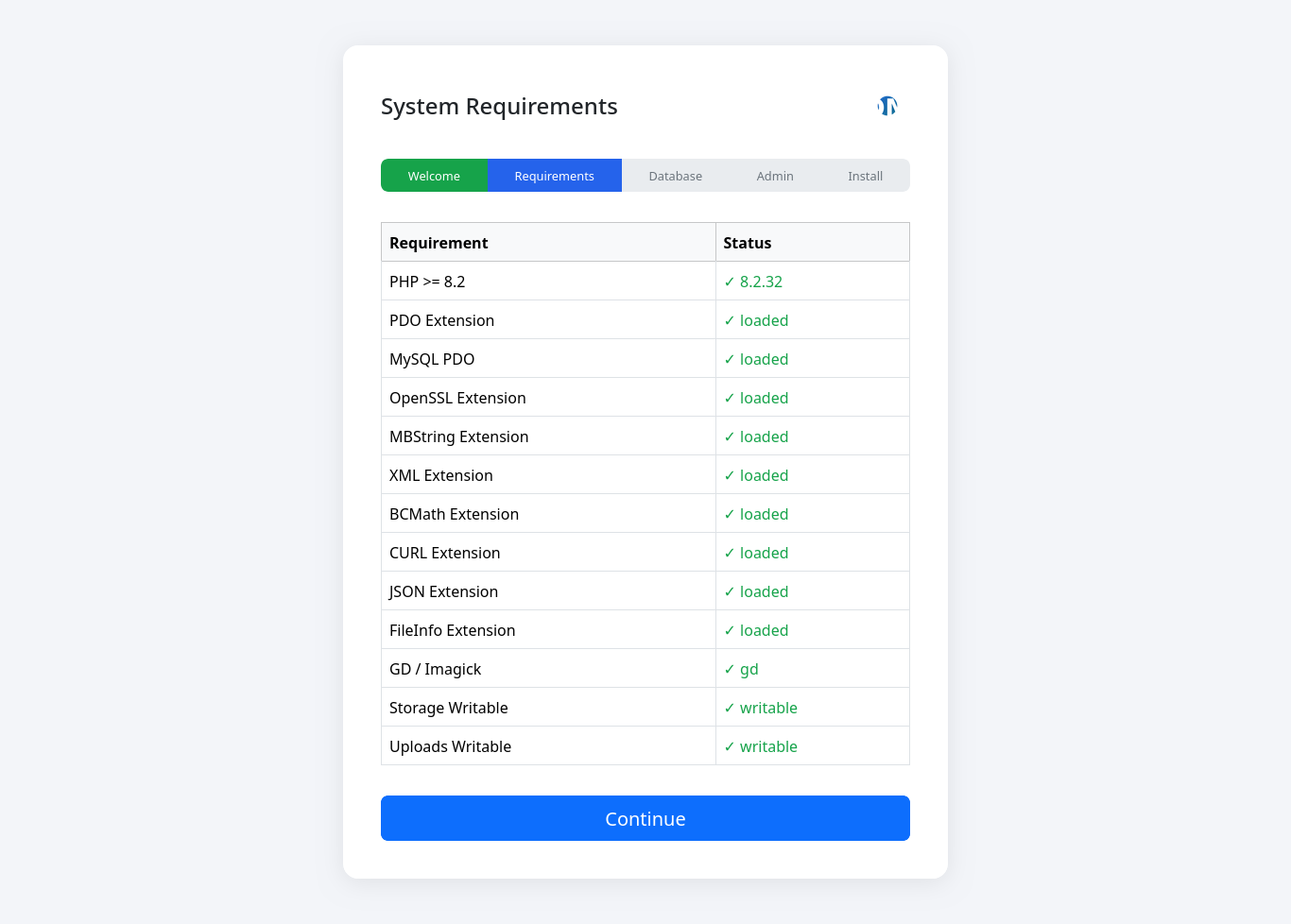
The installer checks PHP version (≥ 8.2) and required extensions (PDO, MySQL, cURL, mbstring, XML, BCMath, JSON, Tokenizer, Fileinfo). It also verifies directory permissions for storage/, bootstrap/cache/, and public/. Any failures are displayed with clear status indicators.
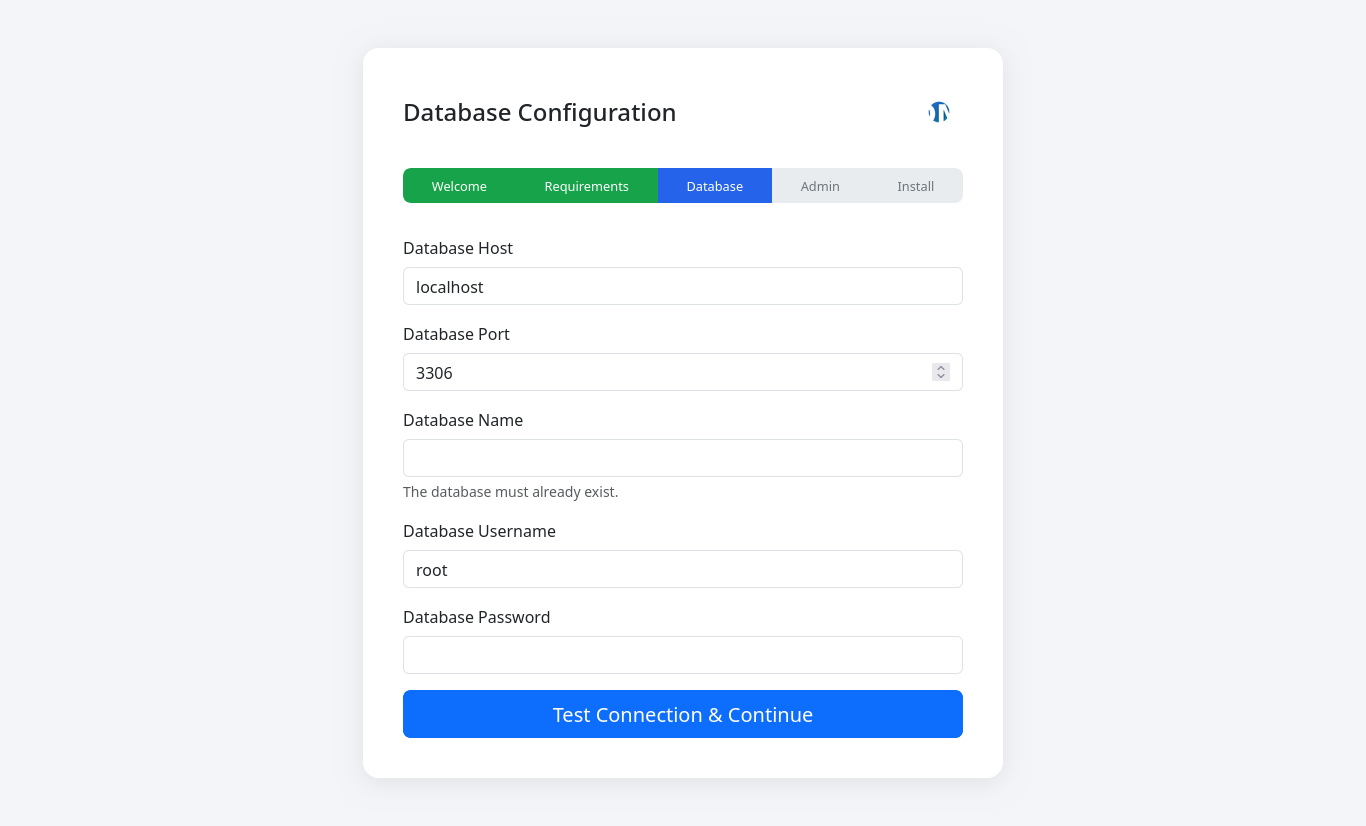
Step 3: Database Configuration
Enter your database credentials:
- Host — MySQL host (default:
127.0.0.1) - Port — MySQL port (default:
3306) - Database Name — The database to use (created beforehand)
- Username / Password — Database credentials
A connection test is performed before proceeding.
Step 4: Admin Account & Configuration
Configure the application and create the admin user:
- Application Name — Your business name
- Application URL — Auto-detected from browser URL
- Admin Name / Email / Password — Super Admin credentials
- Write
.envconfiguration file - Generate application encryption key
- Run database migrations (creates all tables)
- Seed default data (settings, roles, permissions, locations)
- Create storage symlink
- Create admin user account

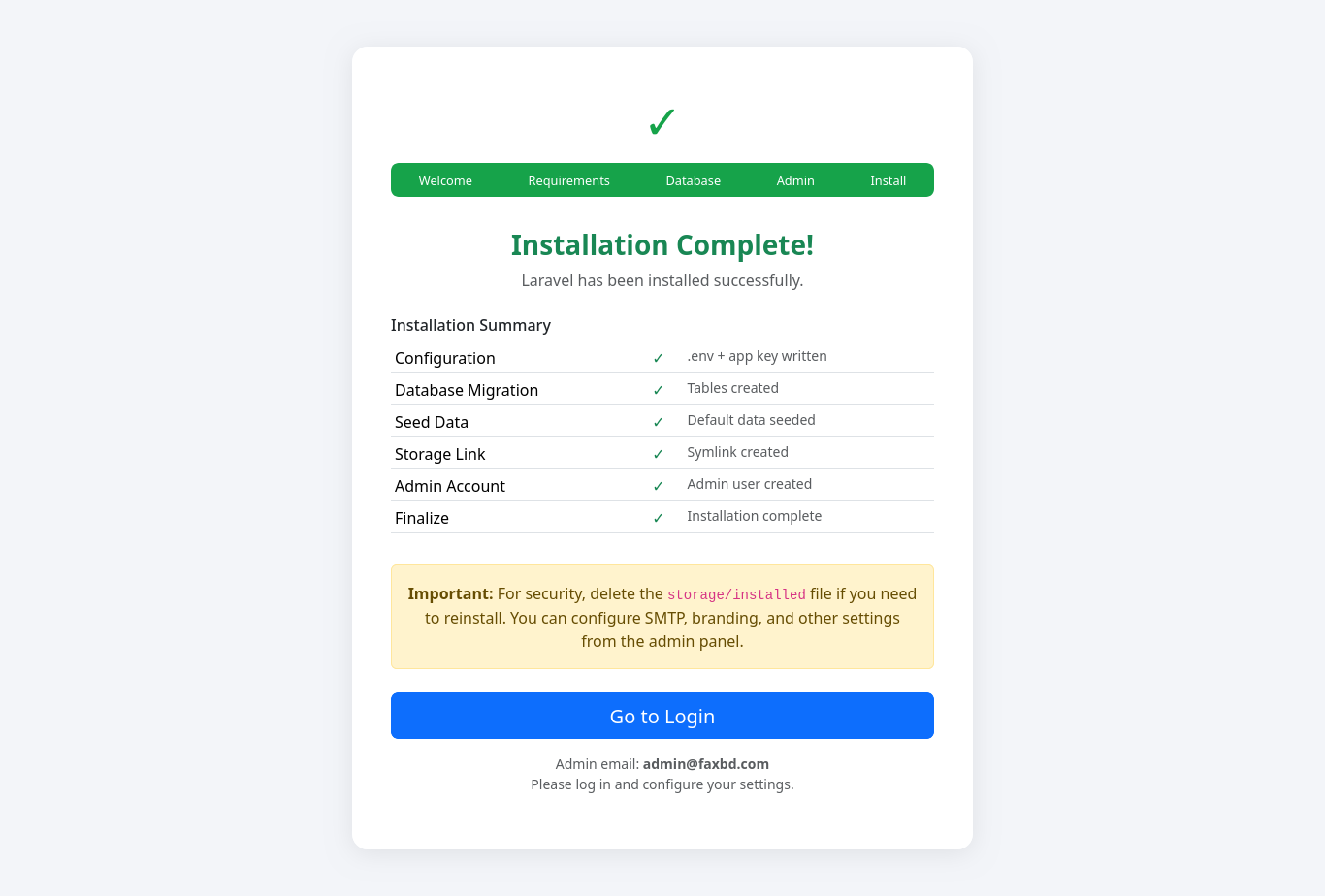
Step 5: Install
The installer executes all setup tasks with progress shown:
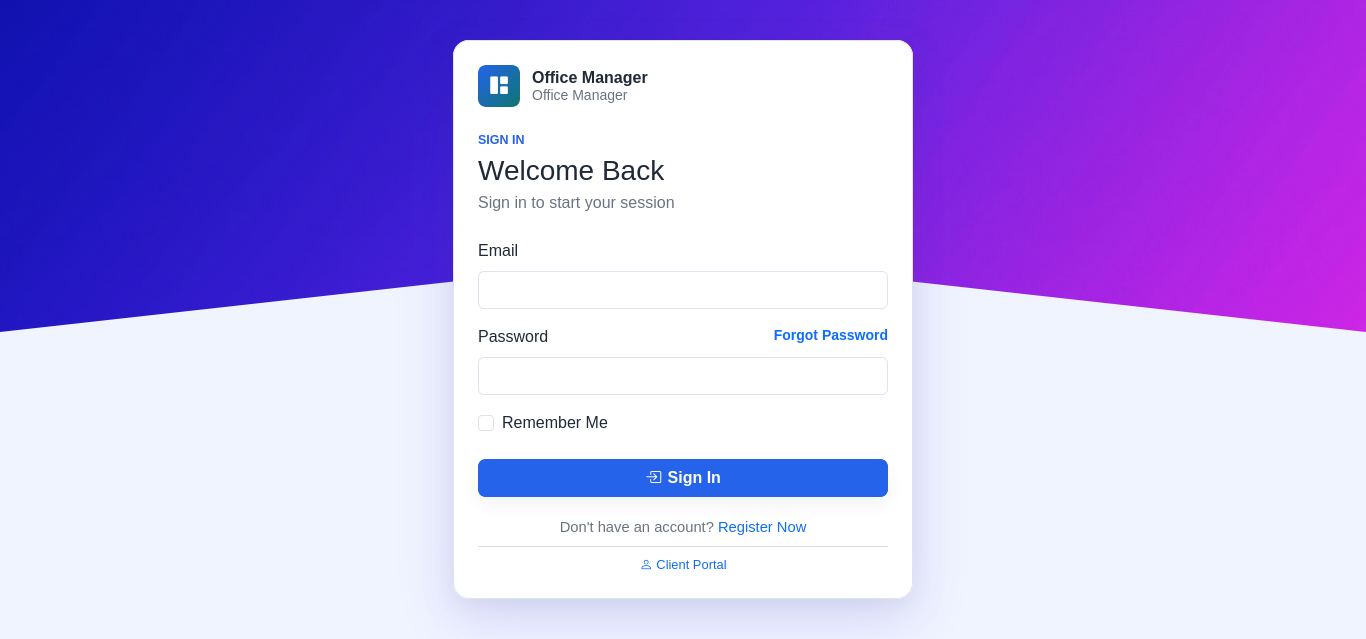
Upon completion, you are redirected to the login page.
Deployment Guide
This guide covers deploying the application on cPanel-based shared hosting (Namecheap, Hostinger, etc.).
cPanel Deployment (Namecheap / Hostinger)
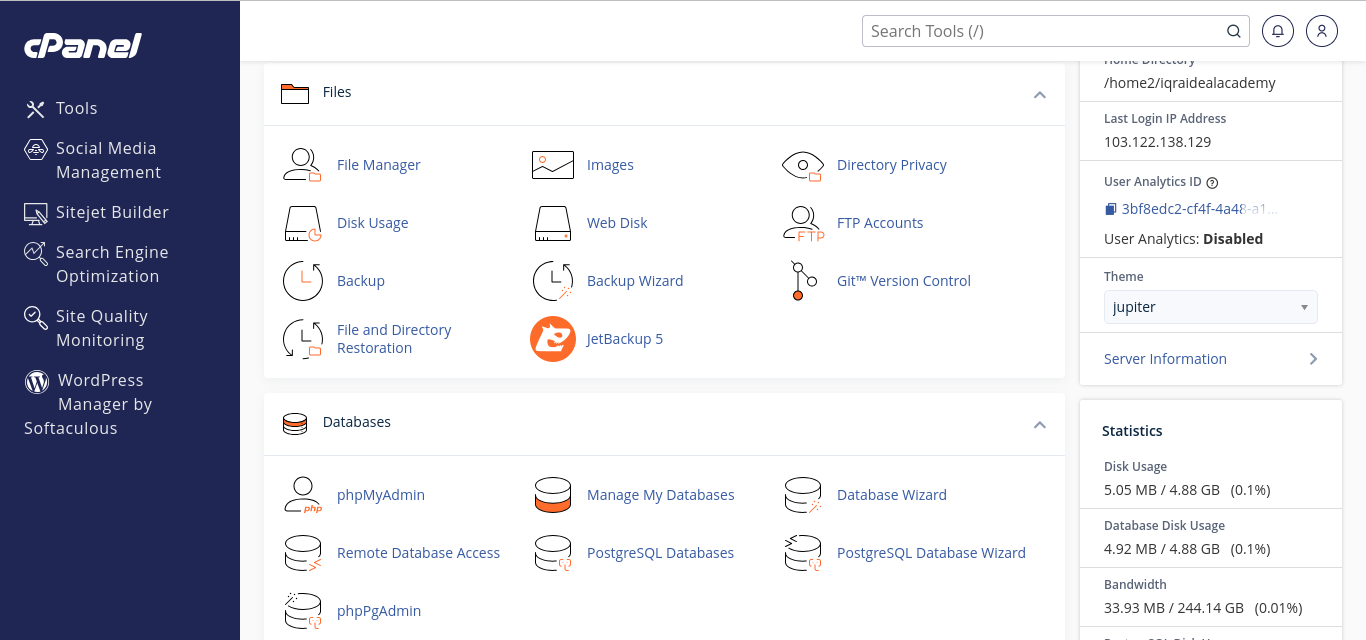
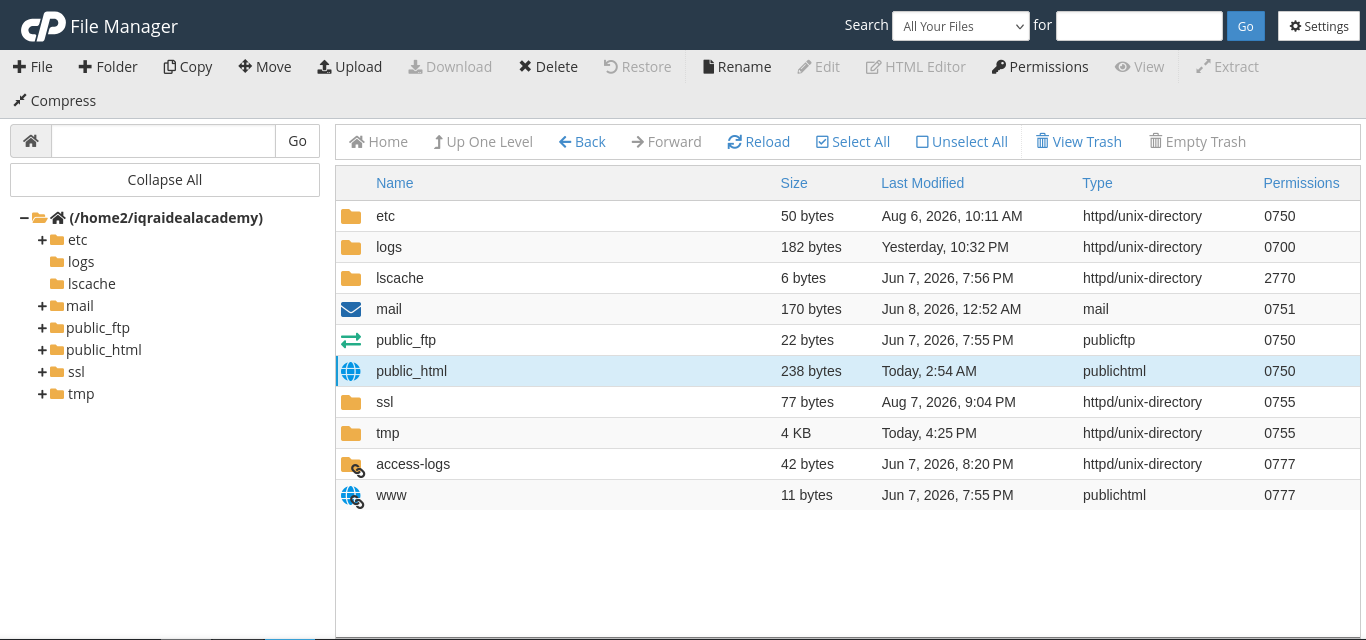
1. Prepare the Files
- On your local machine, run
composer install --no-dev --optimize-autoloaderin the script root. - Create a ZIP archive of all files except
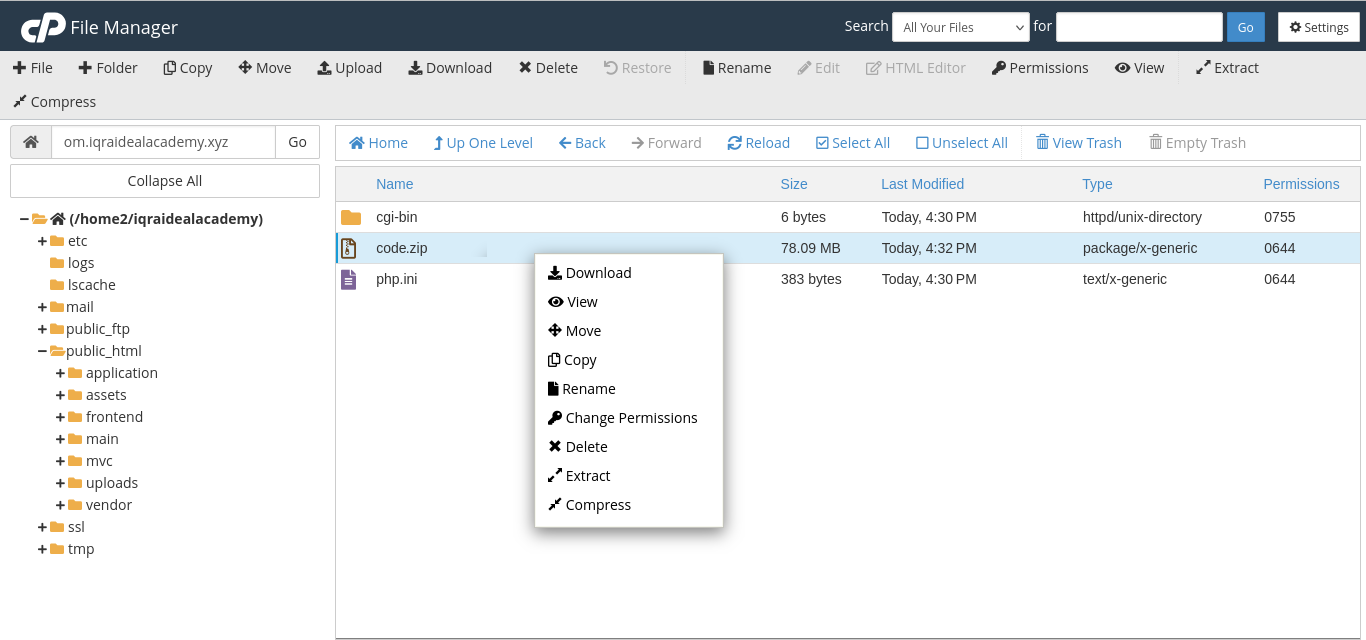
.env(the installer creates it) andnode_modules/. - Log in to your cPanel and open File Manager.
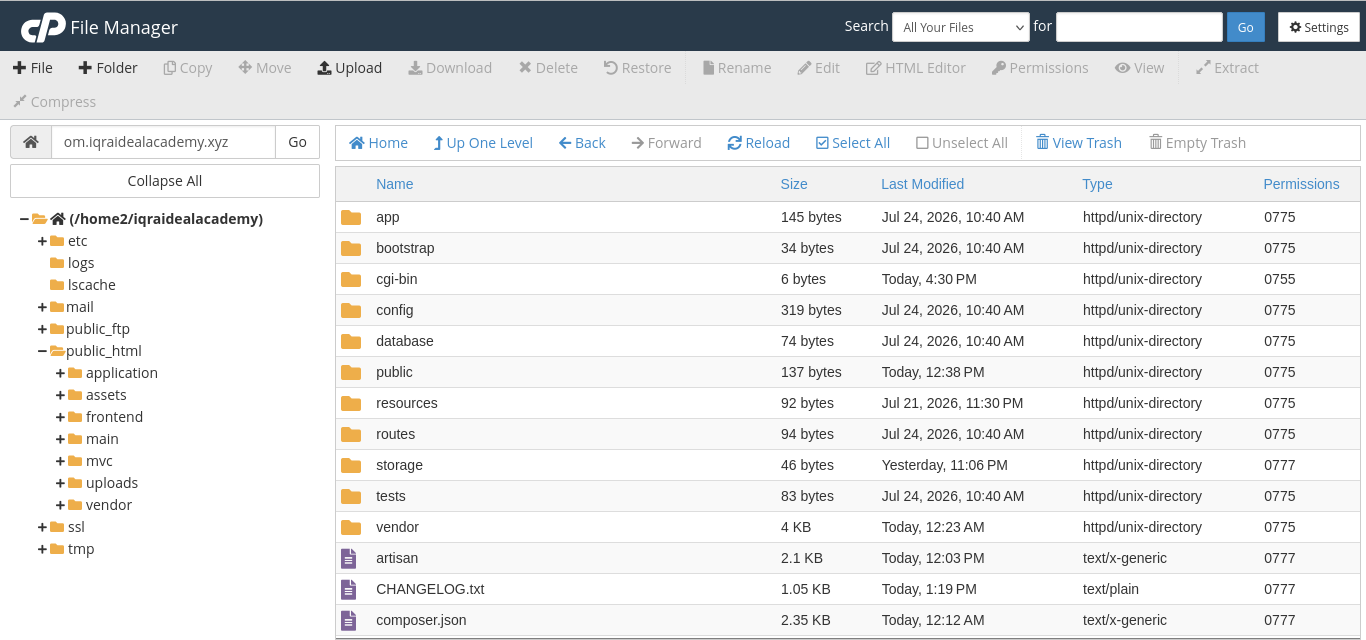
- Navigate to
public_html(or a subdirectory likepublic_html/invoice). - Upload the ZIP and extract it there.

2. Set Folder Permissions
The web server needs write access to the following directories:
chmod 775 storage bootstrap/cache
chmod 775 storage/logs storage/framework/{views,cache,sessions}
In cPanel File Manager: right-click each folder → Change Permissions → set 0755 or 0775.
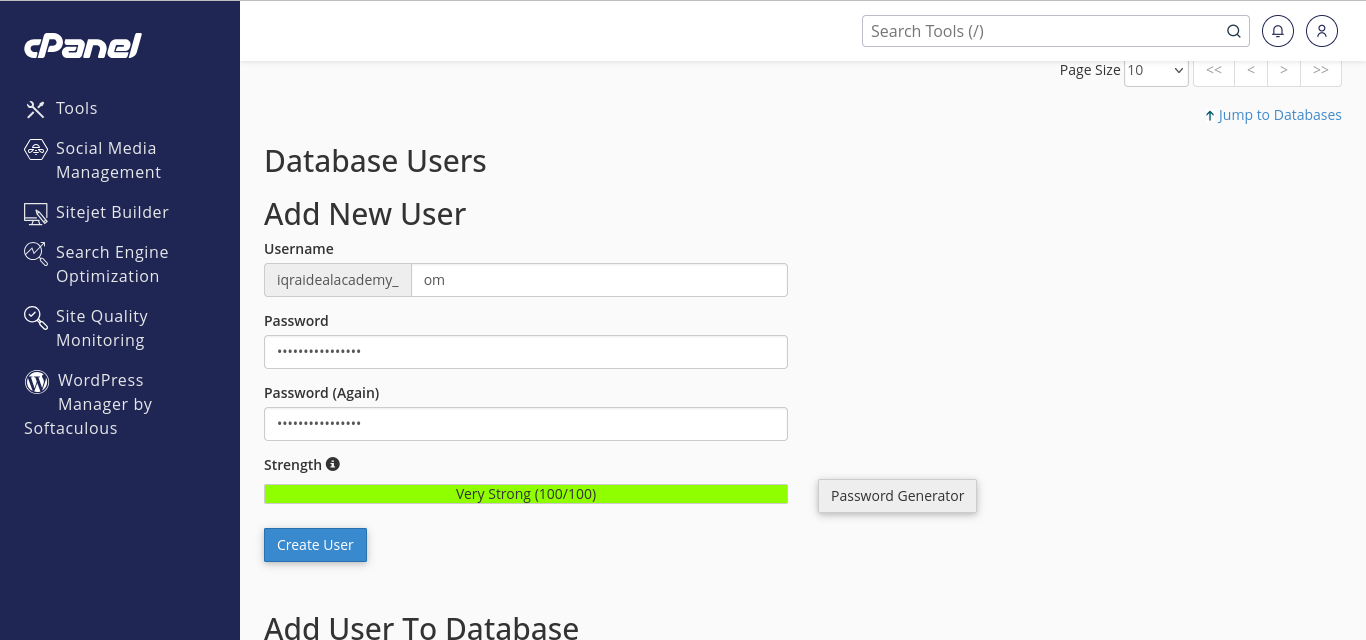
3. Create a MySQL Database
- In cPanel, open MySQL Databases.
- Create a new database (e.g.,
cpaneluser_invoice). - Create a database user with a strong password.
- Add the user to the database with All Privileges.



4. Point Document Root to public/
If deploying to a subdirectory (e.g., example.com/invoice), the .htaccess file in the script root handles internal routing automatically — no additional configuration needed.
If deploying to the domain root, set the document root to the public/ directory in cPanel's Domains section.

public/5. Run the Web Installer
- Visit your domain in a browser (e.g.,
https://example.com/invoice). - The 5-step web installer will launch automatically.
- Enter your database credentials (host:
localhost, database name, username, password). - Complete the installation and log in with the admin credentials you set.
6. Post-Installation
- Clear config cache:
php artisan config:clearvia SSH or the Cron Jobs section in cPanel. - Set up cron for scheduled tasks: Add the following cron job in cPanel → Cron Jobs:
* * * * * /usr/bin/php /home/cpaneluser/public_html/artisan schedule:run >> /dev/null 2>&1
- Configure email: Go to Settings → Email in the app to set up SMTP.
- Enable HTTPS: Use cPanel's SSL/TLS or AutoSSL feature.
Namecheap cPanel-Specific Notes
- PHP version: Go to Select PHP Version and set it to
PHP 8.2or higher. Enable extensions:bcmath,curl,gd,intl,mbstring,pdo_mysql,xml,zip. - Namecheap Stellar accounts run Apache with
mod_rewriteenabled by default. - If the installer shows a blank page, check
storage/logs/laravel.logfor errors — typically a missing PHP extension. - Support documentation: Namecheap Laravel Installation Guide
Hostinger cPanel-Specific Notes
- PHP version: Go to PHP Configuration → set to
PHP 8.2. Enablebcmath,curl,gd,intl,mbstring,pdo_mysql,xml,zip. - Hostinger Business plans use LiteSpeed web server —
mod_rewriterules are handled automatically via.htaccess. - Hostinger's PHPMyAdmin is available under Databases for manual database management.
- Support documentation: Hostinger Laravel Installation Guide
Apache Subdirectory Config (Legacy)
The application includes a .htaccess in both the script root and public/ to support subdirectory deployments (example.com/invoice). No additional Apache virtual host configuration is needed.
If you need to customize, create or modify public/.htaccess:
RewriteEngine On
RewriteCond %{REQUEST_FILENAME} !-f
RewriteCond %{REQUEST_FILENAME} !-d
RewriteRule ^ index.php [L]
Troubleshooting
| Problem | Solution |
|---|---|
| Blank white page | Check storage/logs/laravel.log; enable PHP error display temporarily: edit public/index.php, add ini_set('display_errors', 1); error_reporting(E_ALL); at the top. |
| "No application encryption key" | Run the web installer again, or set APP_KEY manually in .env: php artisan key:generate. |
403 Forbidden on public/ | Ensure public/.htaccess exists and Apache has AllowOverride All for the directory. |
| 500 error after upload | Check folder permissions (storage/ and bootstrap/cache/ must be writable). Run php artisan optimize if SSH is available. |
| "Class ... not found" | Re-run composer install --no-dev --optimize-autoloader on the server, or upload the vendor/ folder from local. |
| SQLSTATE[HY000] [1045] Access denied | Verify database host, username, password, and database name in .env. Use localhost for cPanel databases. |
| Mail not sending | Go to Settings → Email and configure SMTP credentials. For Namecheap Private Email, use mail.privateemail.com on port 465 with SSL. |
Modules
Invoicing
The core module. Supports full invoice lifecycle with discount engine (per-line + invoice-level), multi-tax (deductible + compound), advance payments, and automatic status determination.
Line Total = qty × unit_price
  ↓
Line Discount (percentage|fixed)
  ↓
Taxable Amount = Line Total - Discount
  ↓
Deductible Taxes → calculated on taxable amount
Compound Taxes → calculated on (taxable + deductible)
  ↓
Item Total = taxable + deductible + compound
  ↓
Sum → Sub Total → Invoice Discount → Grand Total
| Status | Condition |
|---|---|
| Draft | total ≤ 0 |
| Sent | paid_amount = 0, future due date |
| Overdue | paid_amount = 0, past due date |
| Paid | paid_amount ≥ total |
| Partially Paid | Otherwise |


Quotations
Draft → Sent → Accepted/Rejected → Converted to Invoice. Same item/tax structure as invoices. One-click conversion via QuotationService::convertToInvoice().

Payments
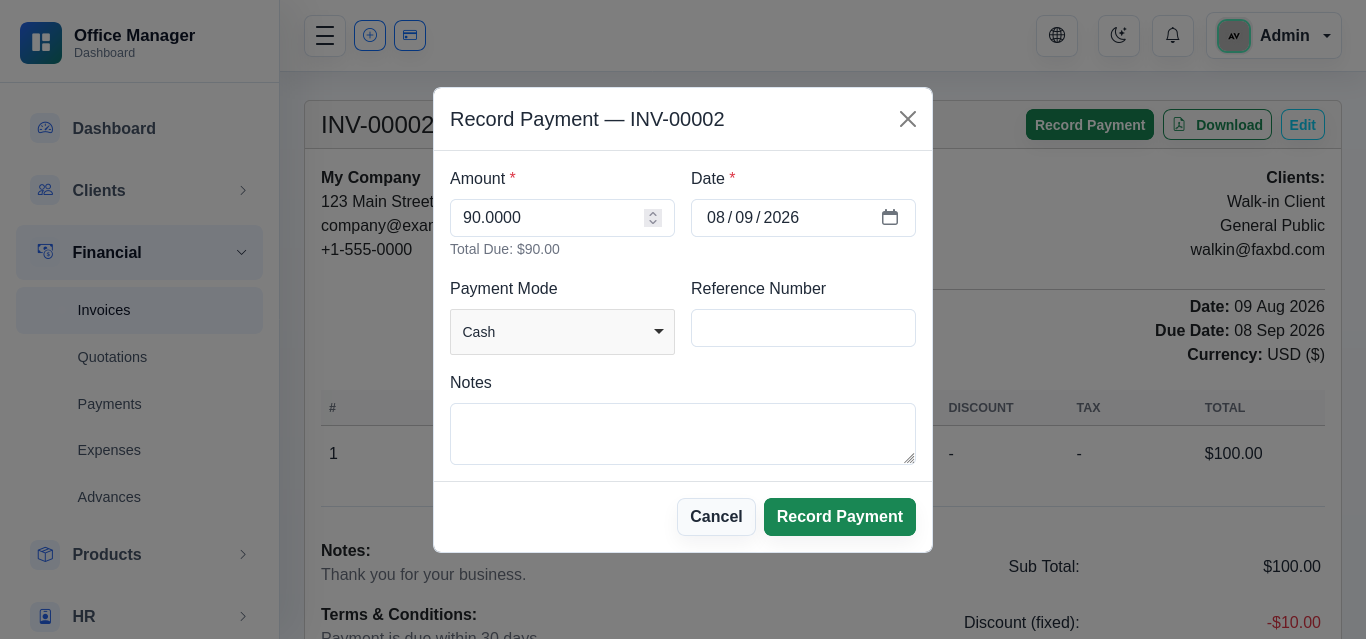
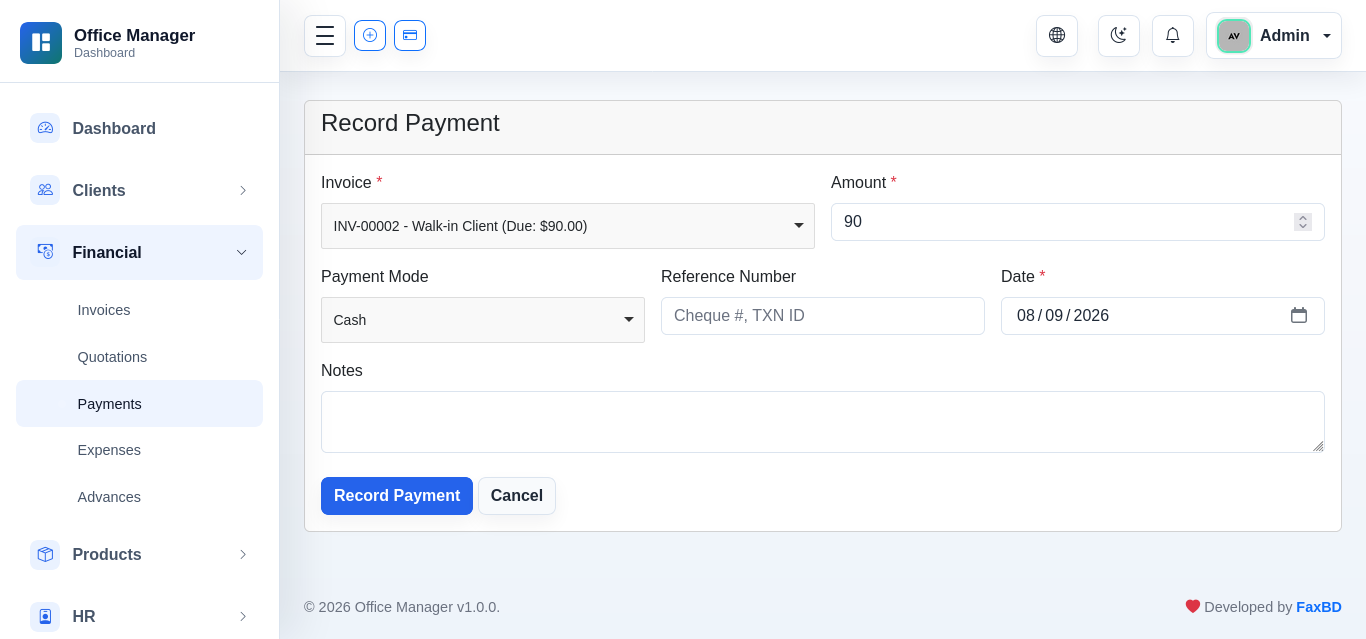
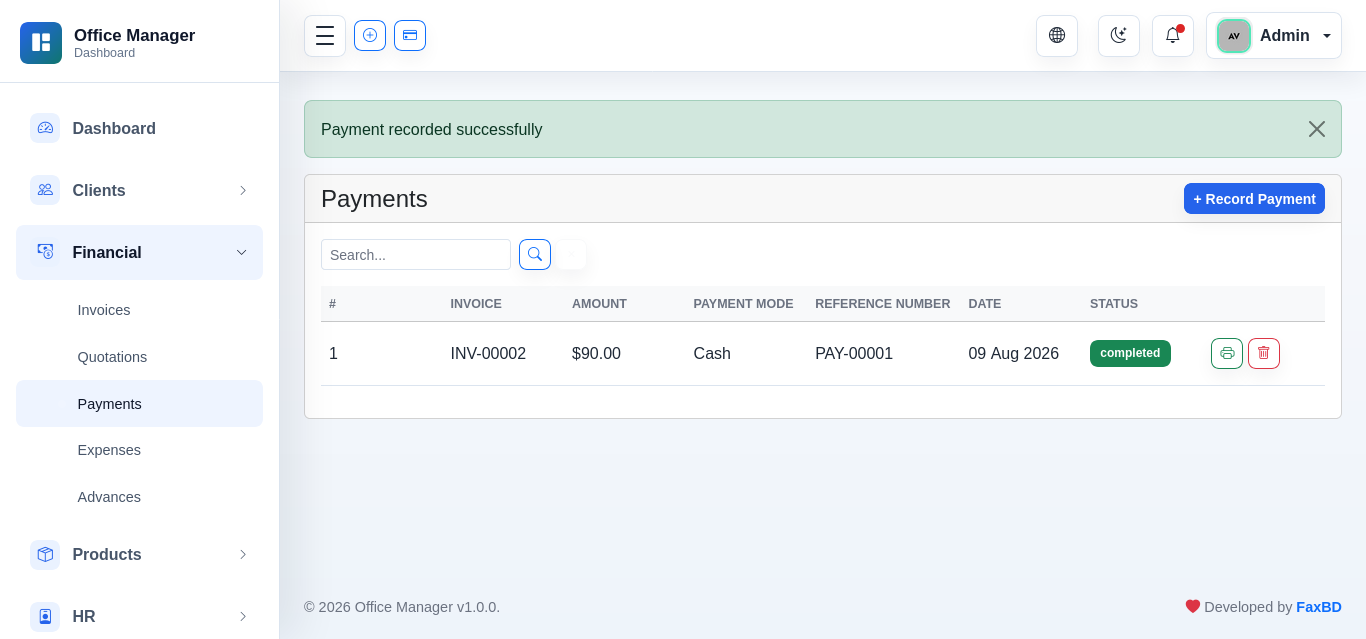
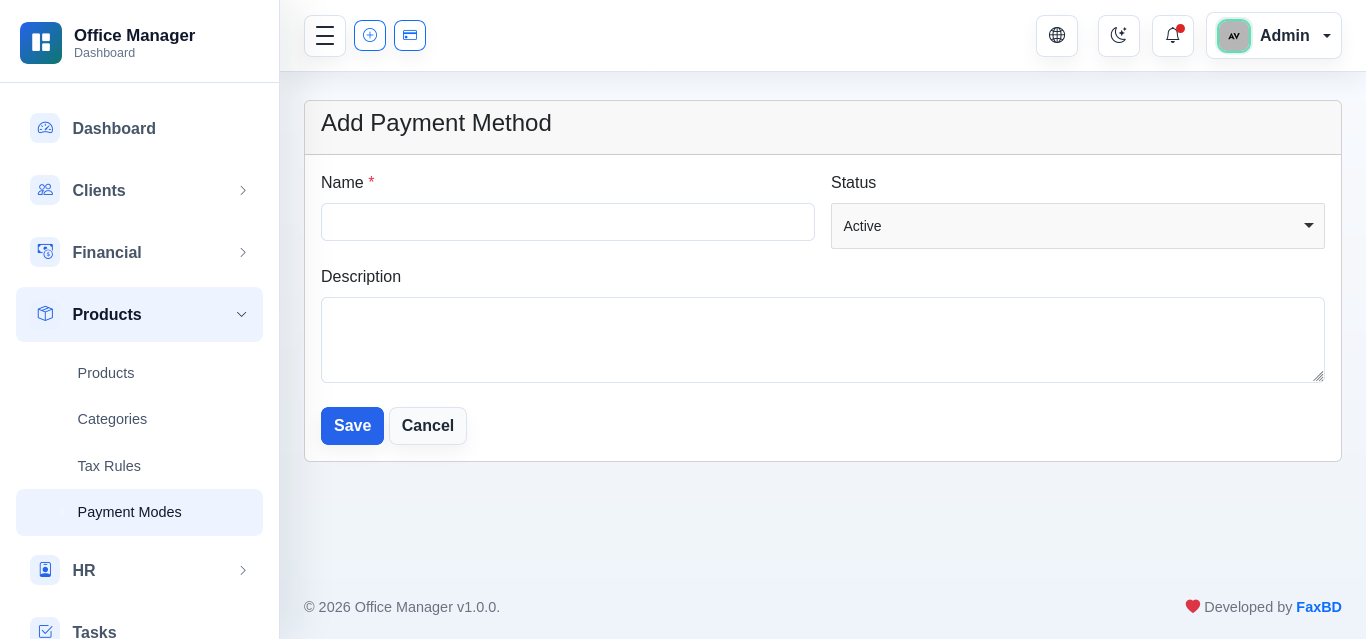
Recorded against invoices. Supports cash payments and advance/deposit deductions. Multiple advances can be applied to a single payment. Overpayment protection — excess is first cut from cash, then from advance proportionally across all selected advances.
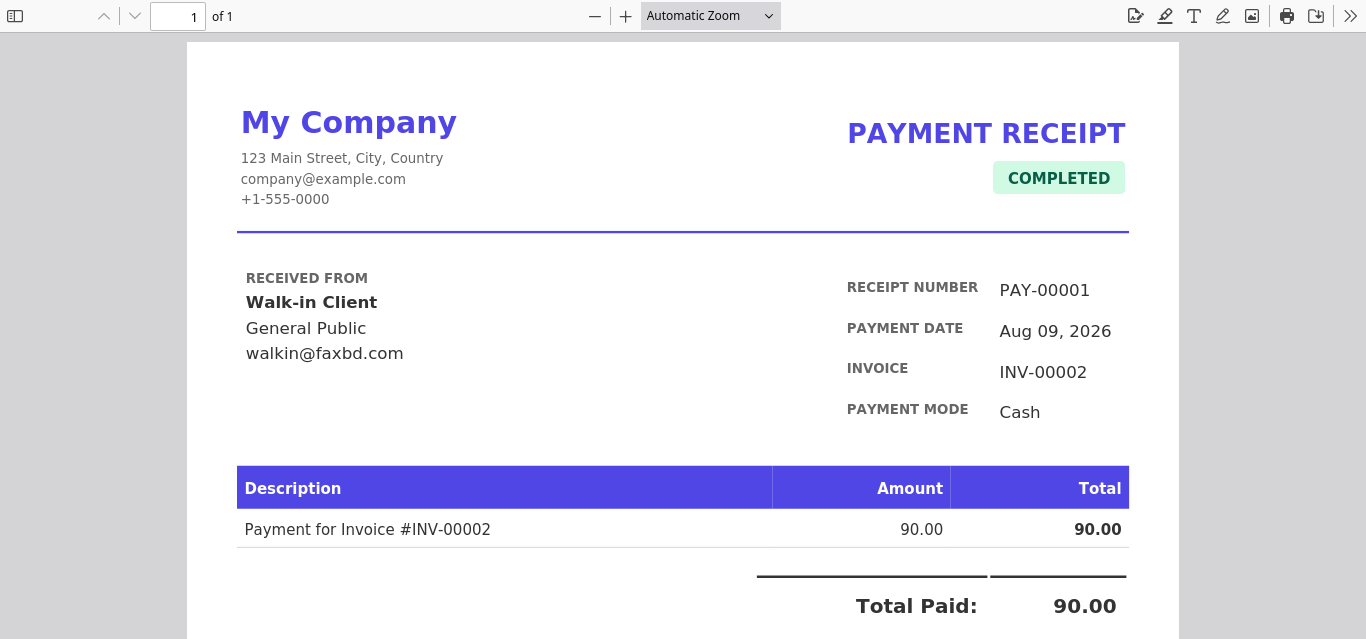
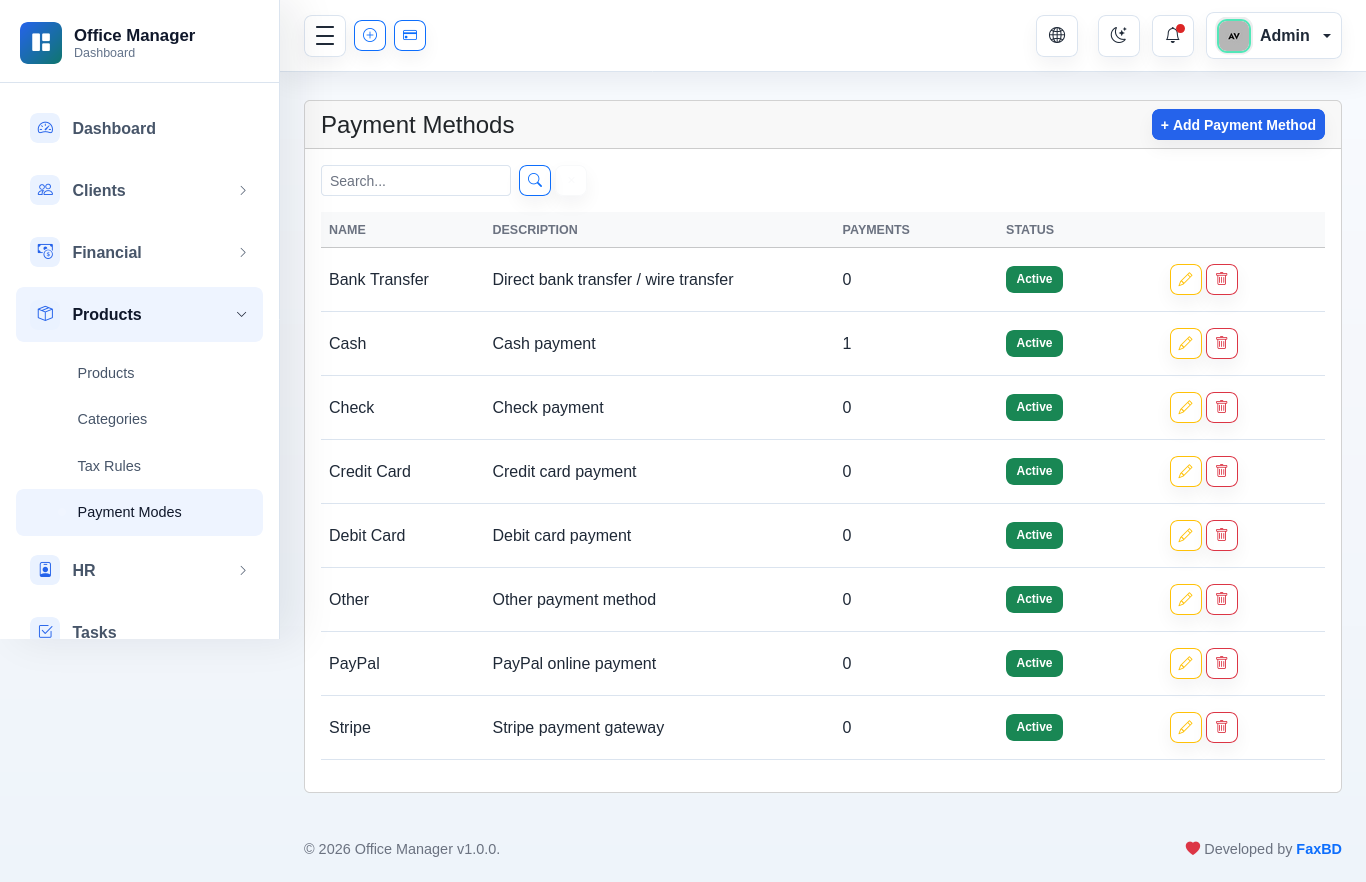
Payment receipt PDF available. Payment modes: Cash, Bank Transfer, Credit/Debit Card, Check, PayPal, Stripe, Other.
Client Advances
Prepayments received from clients before invoicing. Statuses: unused → partially_used → fully_used. Applied automatically during invoice creation or manually via payment recording.


Expenses
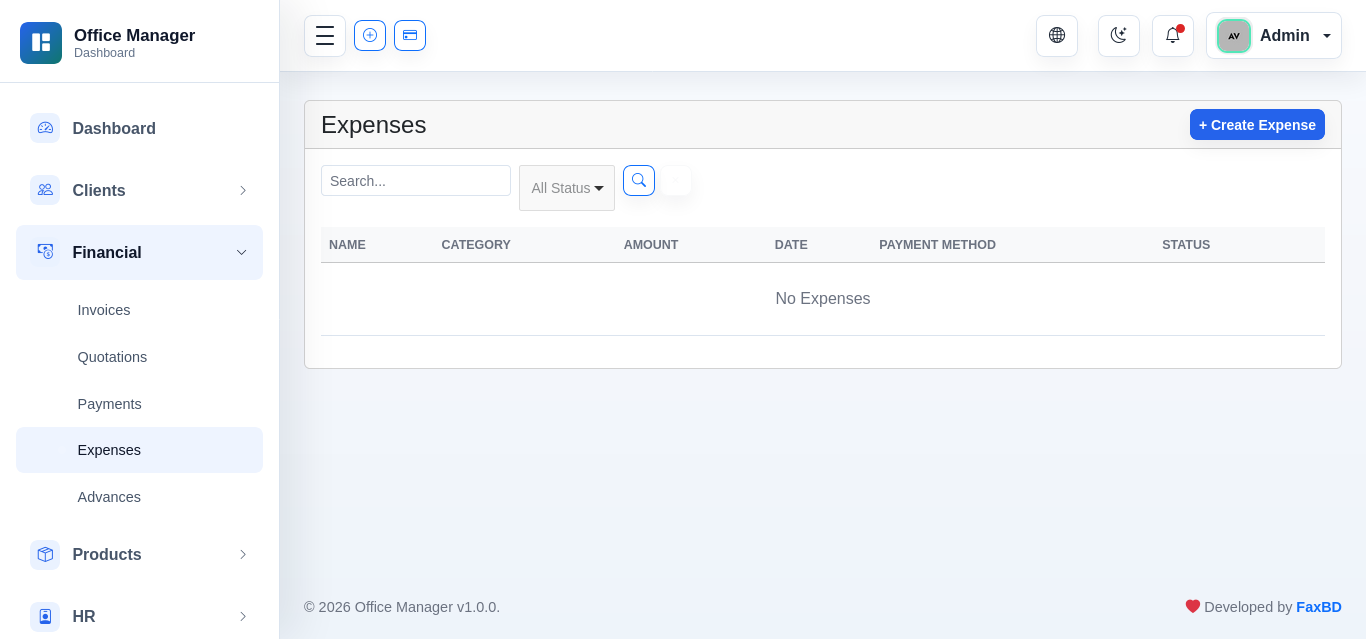
Two-state status: pending | released. Categorized under expense categories. Supports partial payments via expense payments.

Products
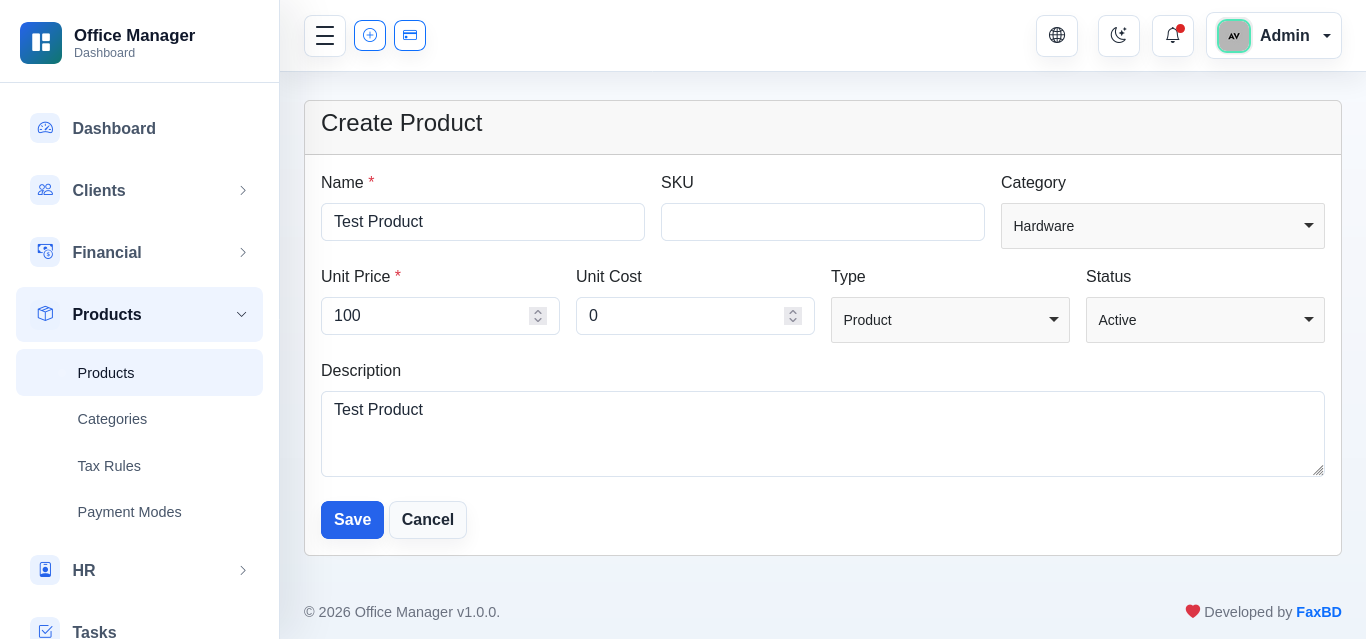
Auto-generated SKU (OM-00001). Categorizable under product categories. Searchable by name and SKU.

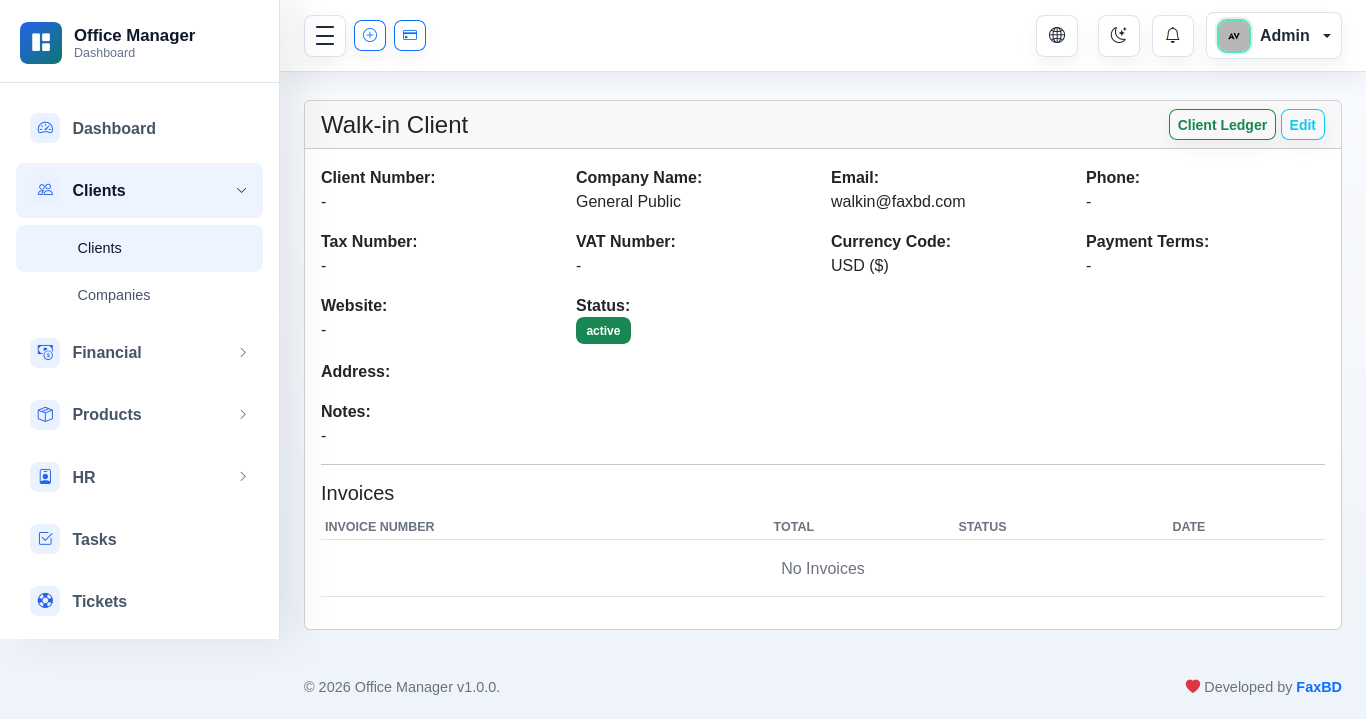
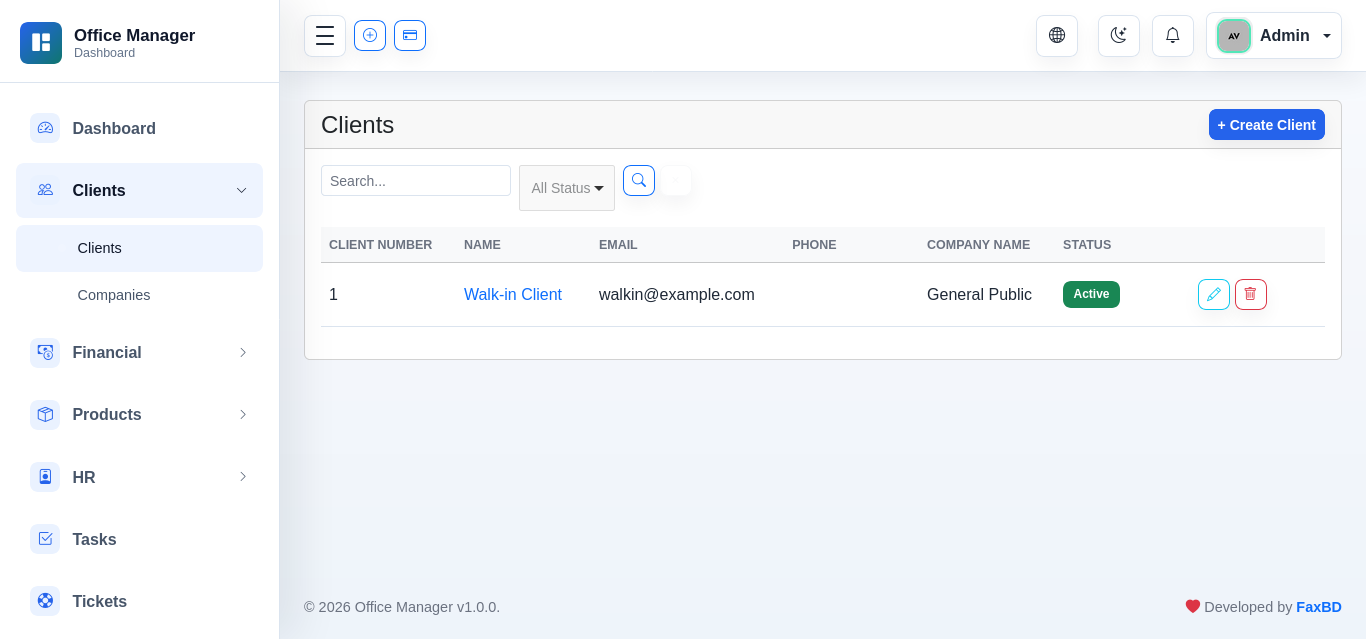
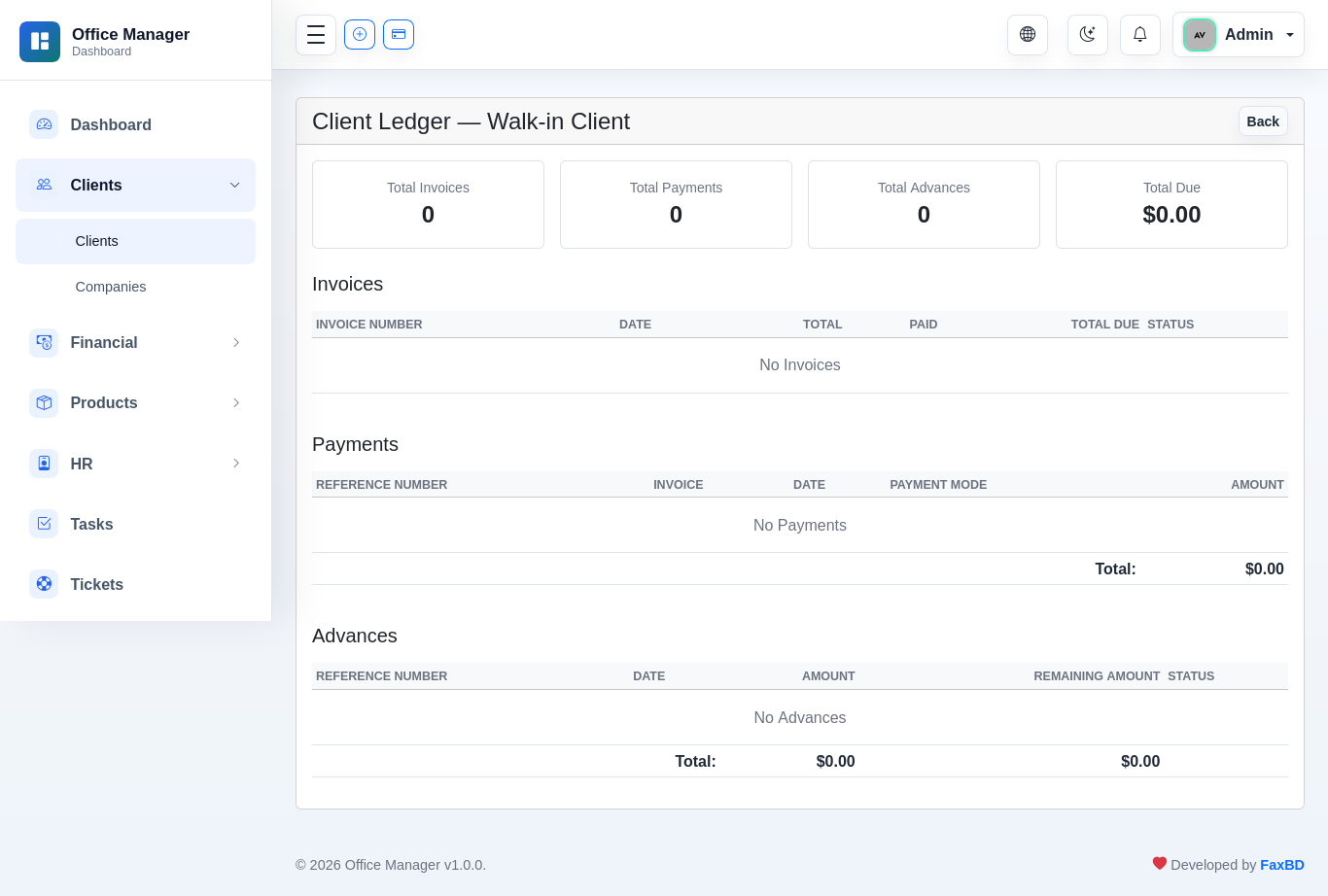
Clients
CRM records with optional portal access. Company name displayed from related Company model (via company_id) with fallback to free-text company_name. GDPR-compliant client portal with data export and account erasure.
| Field | Type |
|---|---|
| Client Number | Auto-generated (prefix + number) |
| Company Name | Related Company or free-text |
| Email / Phone | Used for portal login |
| Tax / VAT Number | Optional |
| Address | Line 1 + Line 2 (no city/state) |
| Status | Active / Inactive |

HR Module
| Entity | Relationships |
|---|---|
| Department | hasMany Designation, Employee, Task |
| Designation | belongsTo Department, hasMany Employee |
| Employee | belongsTo User, Department, Designation |
| Payroll | belongsTo Employee |

Tasks
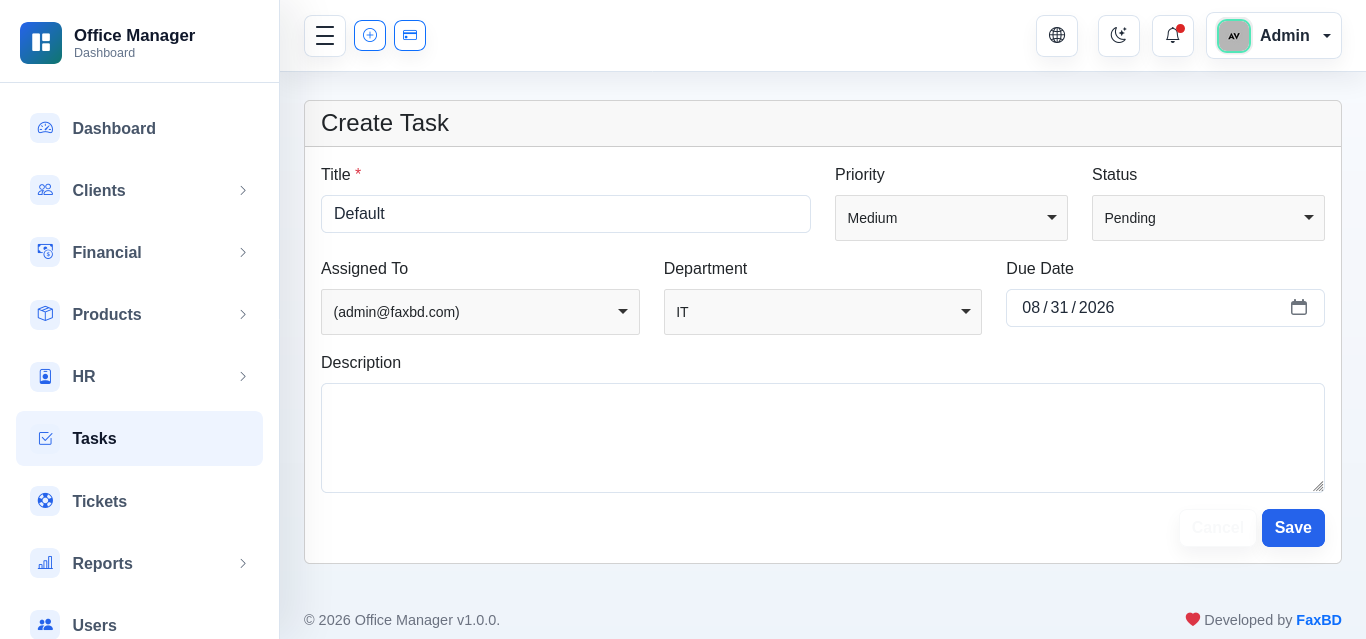
Simple task management within HR. Statuses: pending, in_progress, completed, cancelled. Priorities: low, medium, high, urgent. Dashboard shows "My Tasks" widget.

Support Tickets
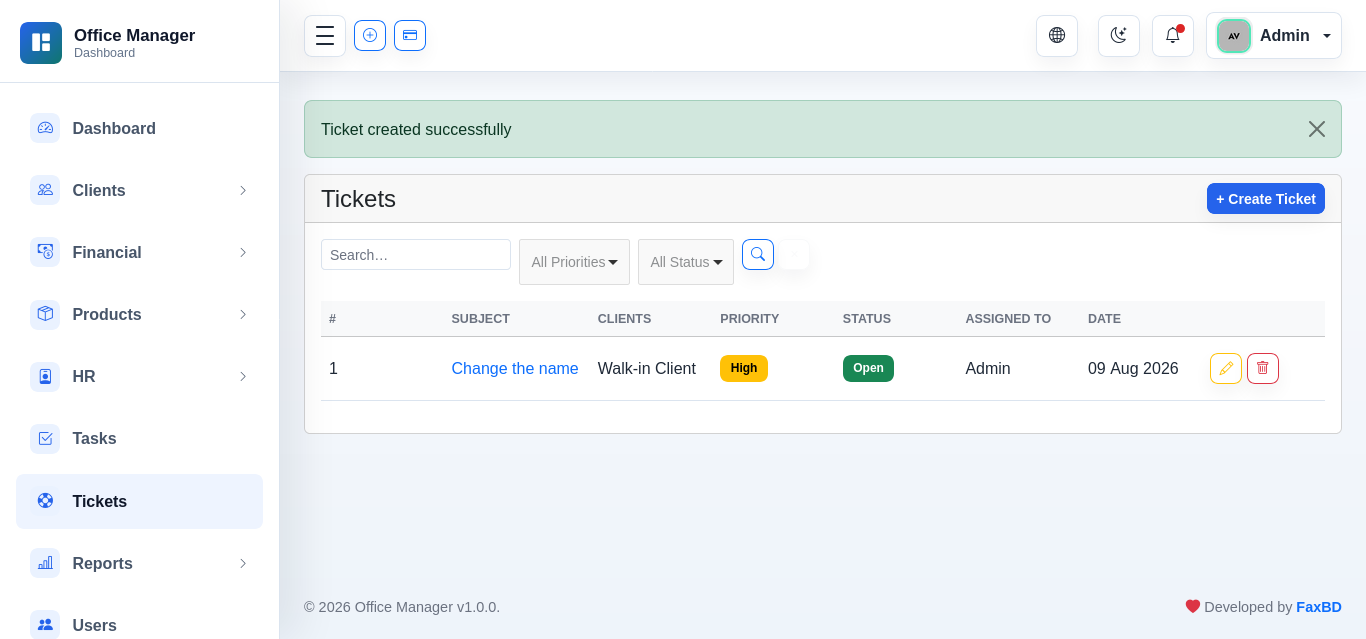
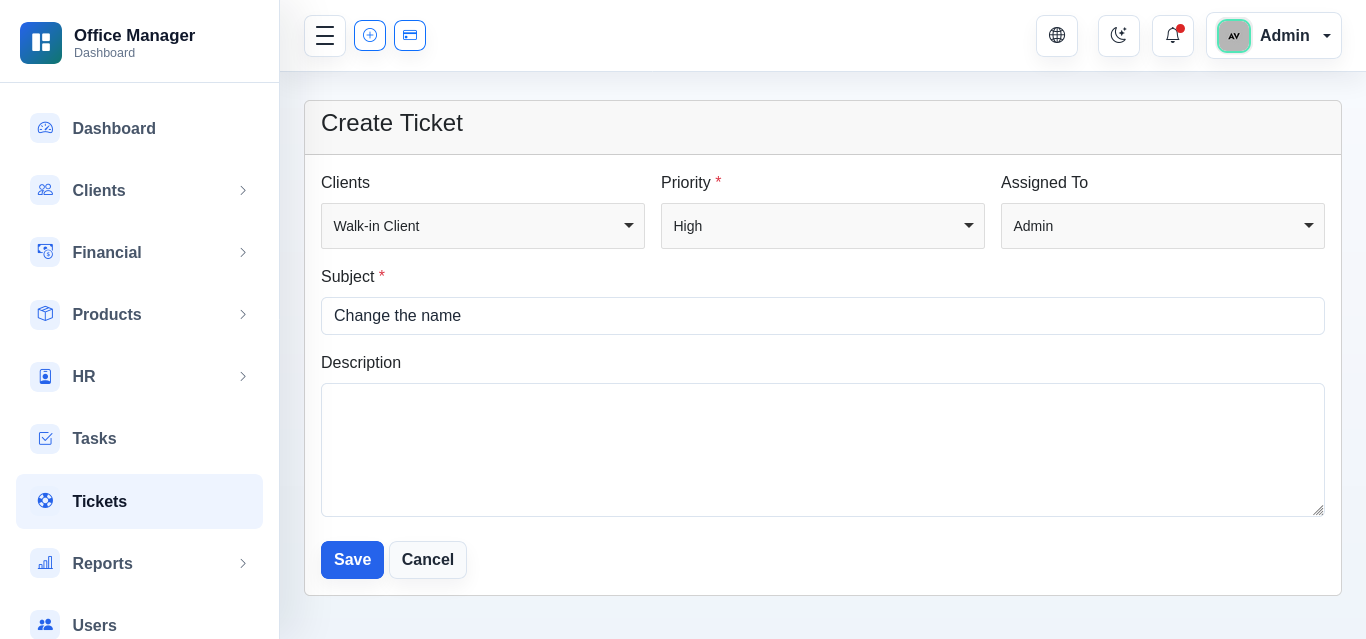
Client-facing support. Ticket → hasMany TicketReply. Statuses tracked per ticket. Dashboard integration.
SMS
Outbound SMS compose/send interface. Providers: Log (default), Twilio, Vonage. All sends recorded in sms_logs table. Configurable via SMS Settings page. Permissions: view_sms, send_sms, view_sms_settings, edit_sms_settings.

Email Logs
Every outgoing email is automatically recorded in the email_logs table — invoice/quotation/payment emails, OTP codes, password reset links, ticket replies, advances — showing recipient, subject, body, provider, and status. A Send Email page lets you compose a message to a client (or any address) directly. The default mail transport is PHP sendmail; if no sendmail binary is available on the host, sending falls back to the log transport automatically (messages are written to storage/logs and no sending is attempted). Permissions: view_email_logs, send_email.

Settings
General Settings
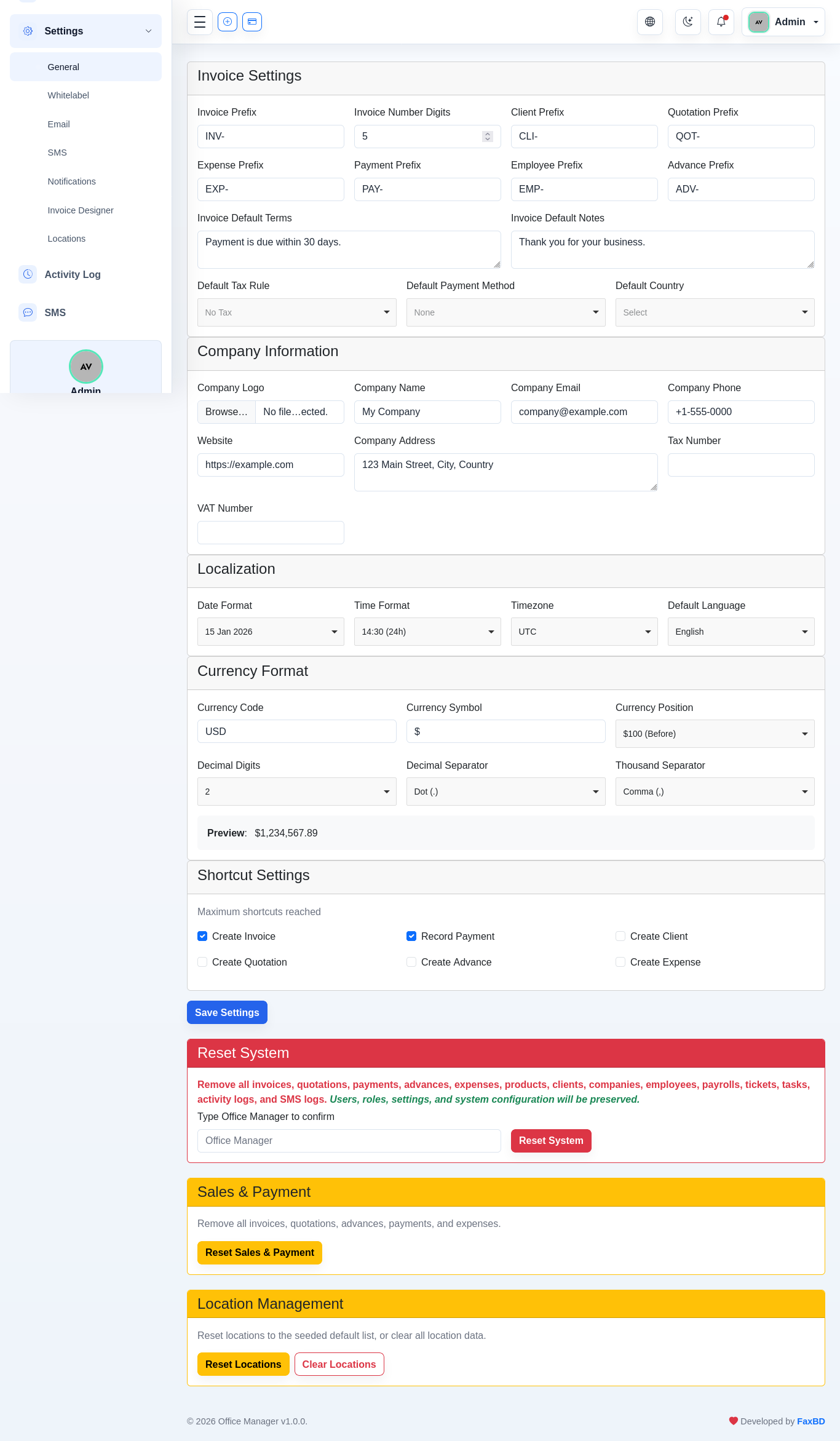
Typed key-value store via SettingService. Includes invoice prefixes, company info, localization (date/time format, timezone, language), currency format (symbol, position, decimal/thousand separators).
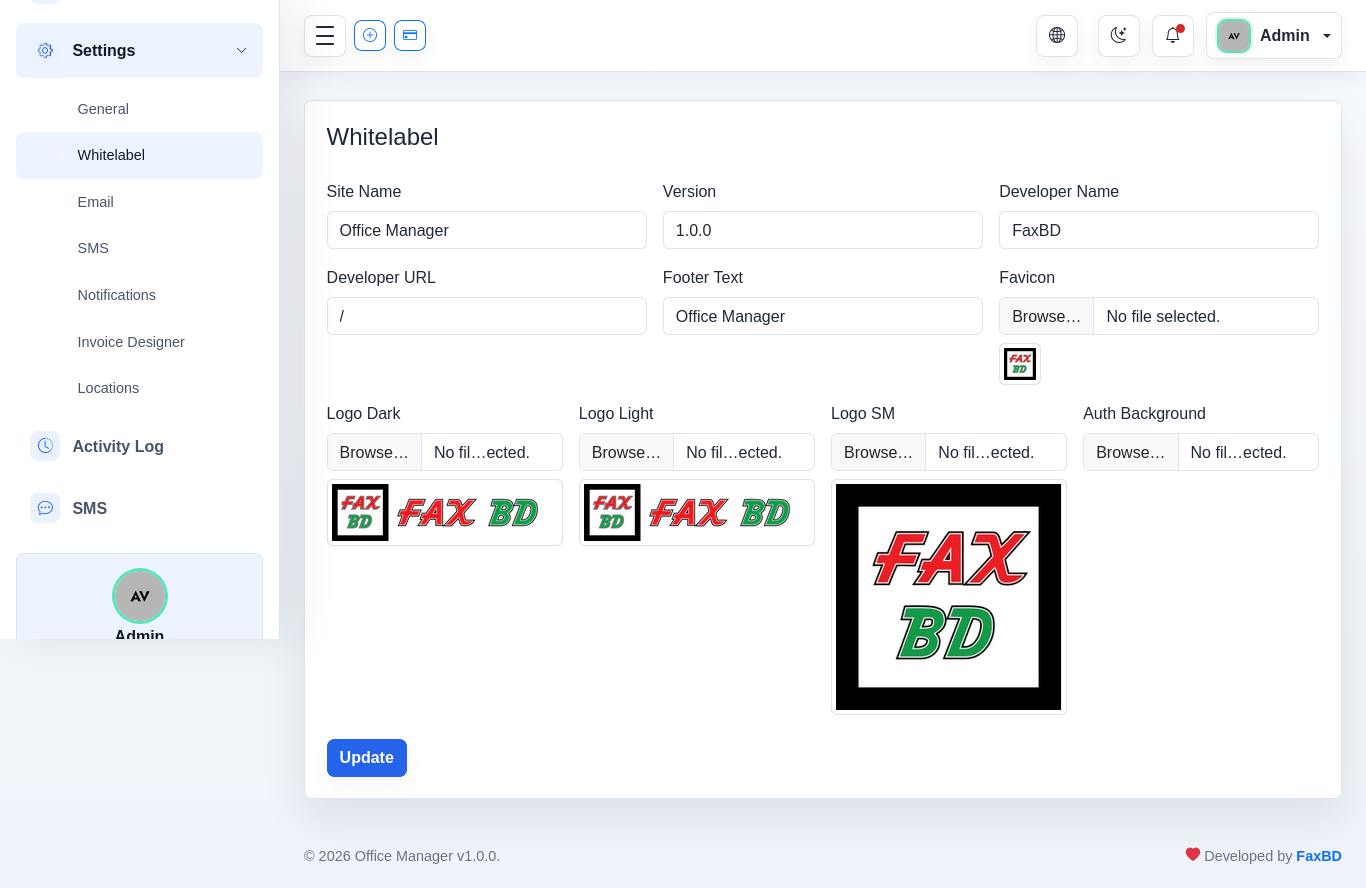
Whitelabel / Branding
Dynamic logo and site identity. Upload logos at /settings/whitelabel. Files stored in storage/app/public/whitelabel/ (symlinked from public/storage/whitelabel/).
Runtime override via WhitelabelServiceProvider reading whitelabel.* settings from DB. Configurable: site_name, footer_text, logo_dark, logo_light, logo_sm, favicon, auth_background.
Email Settings
SMTP configuration stored in settings table. Mail driver, host, port, encryption, username, password, from address configurable via UI.

SMS Settings
Provider selection + credentials. Supports Twilio (Account SID, Auth Token, From number) and Vonage (API Key, API Secret, From). Defaults to log provider.

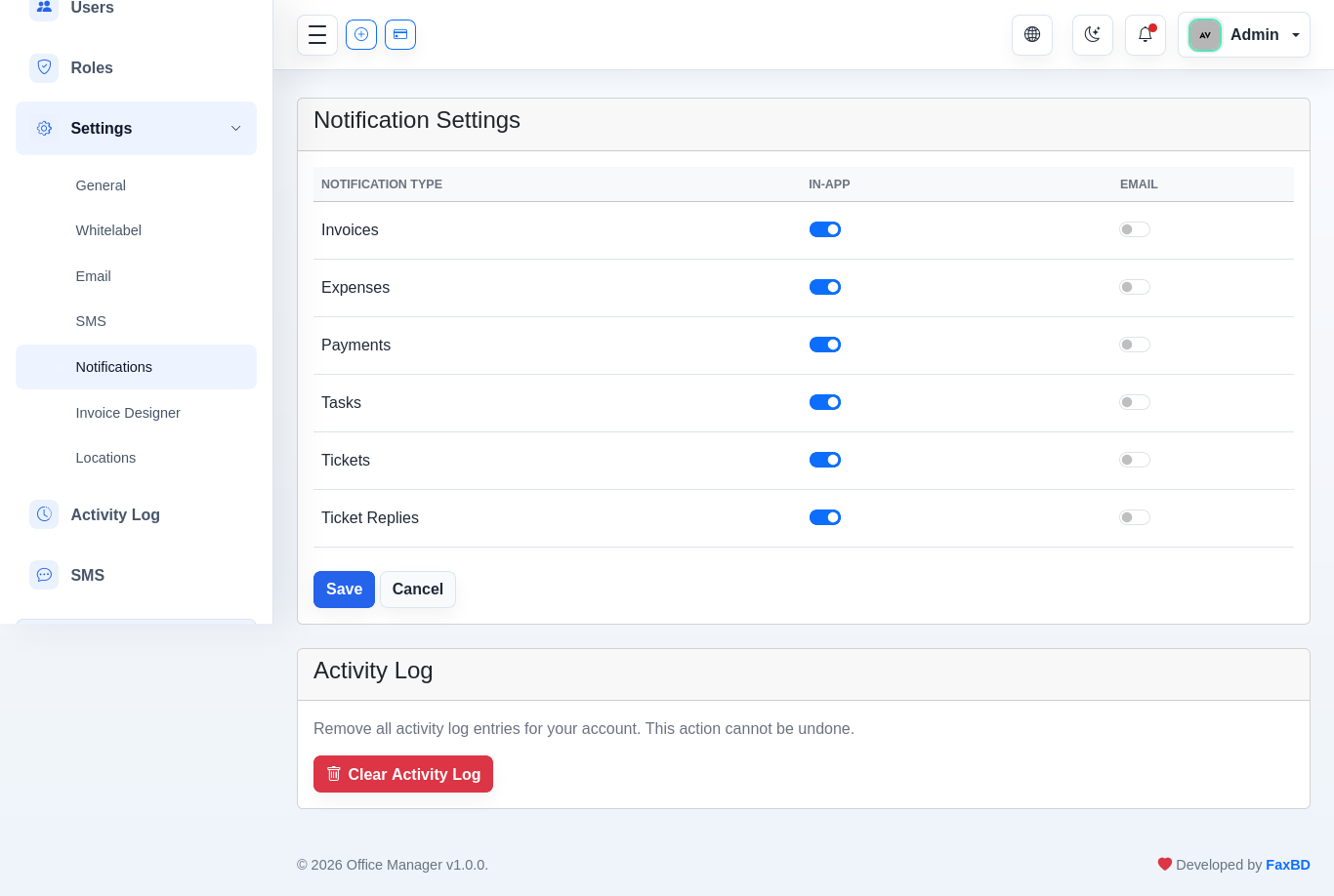
Notification Preferences
Per-user opt-in/opt-out for email and in-app notifications. Types: invoice, expense, payment, task, ticket, ticket_reply. Default: all opted in.
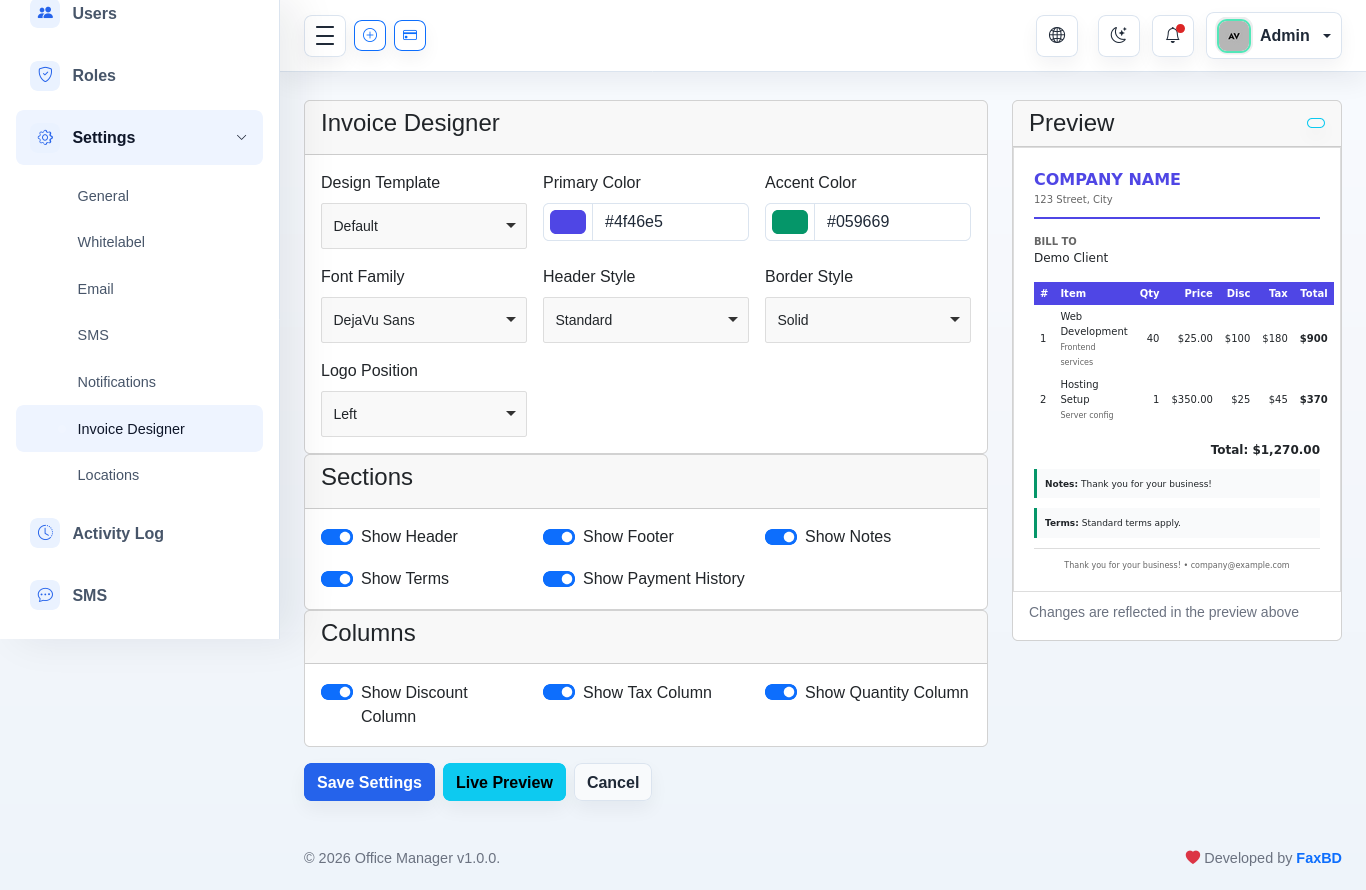
Invoice Designer
Customize PDF appearance: accent color (primary + secondary), labels (invoice, tax, total), show/hide logo. Live preview available.
Shortcut Settings
Up to 3 quick-access buttons in the topbar. Options: Invoices, Payments, Clients, Quotations, Advances, Expenses. Default: Invoices + Payments.

Location Management
Manage countries, states/regions, and cities. Hierarchical selection with AJAX-dependent dropdowns.

Reset System
Three reset operations on the settings page:
| Operation | Deletes | Preserves |
|---|---|---|
| Full System Reset | Invoices, quotations, payments, advances, expenses, products, clients, companies, employees, payrolls, tickets, tasks, activity logs, SMS logs, notifications | Users, roles, settings, configurations |
| Sales & Payment Reset | Invoices, quotations, advances, payments, expenses | — |
| Location Management | Countries, states, cities | — |
Full system reset requires typing the application name to confirm (:value parameter in the type-confirm translation key).
Additional Modules
Companies
Manage client companies with contact details.


Tax Rules
Configure tax rates with deductible/compound types.


Reports
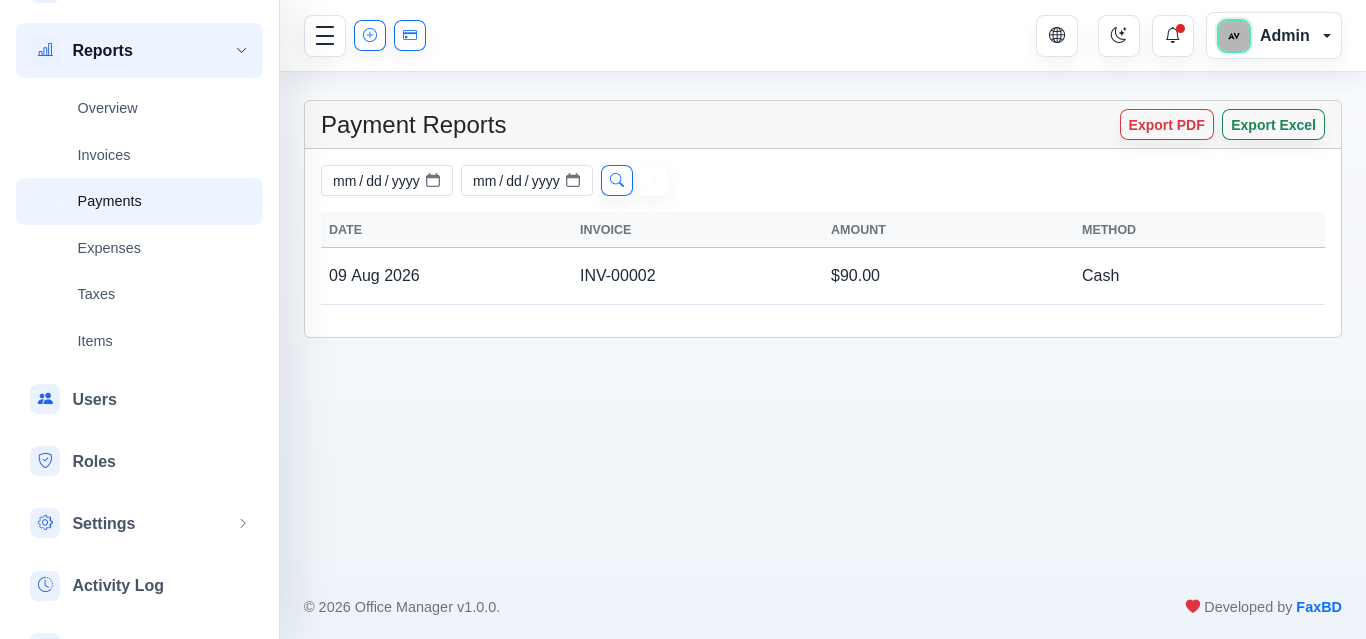
Invoice, payment, expense, and item reports with PDF/Excel export.


Profile & Users
User profile settings and user management.
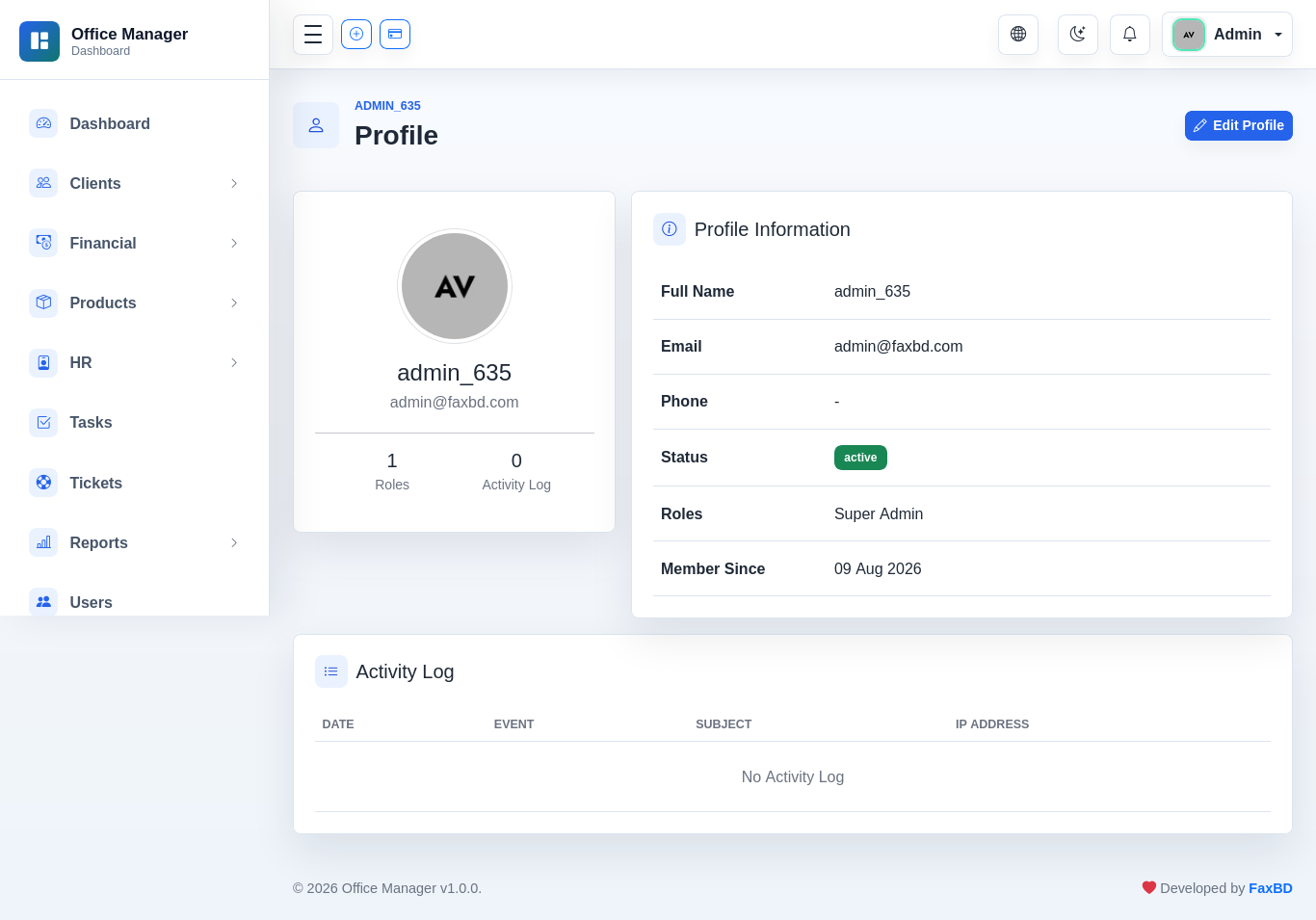
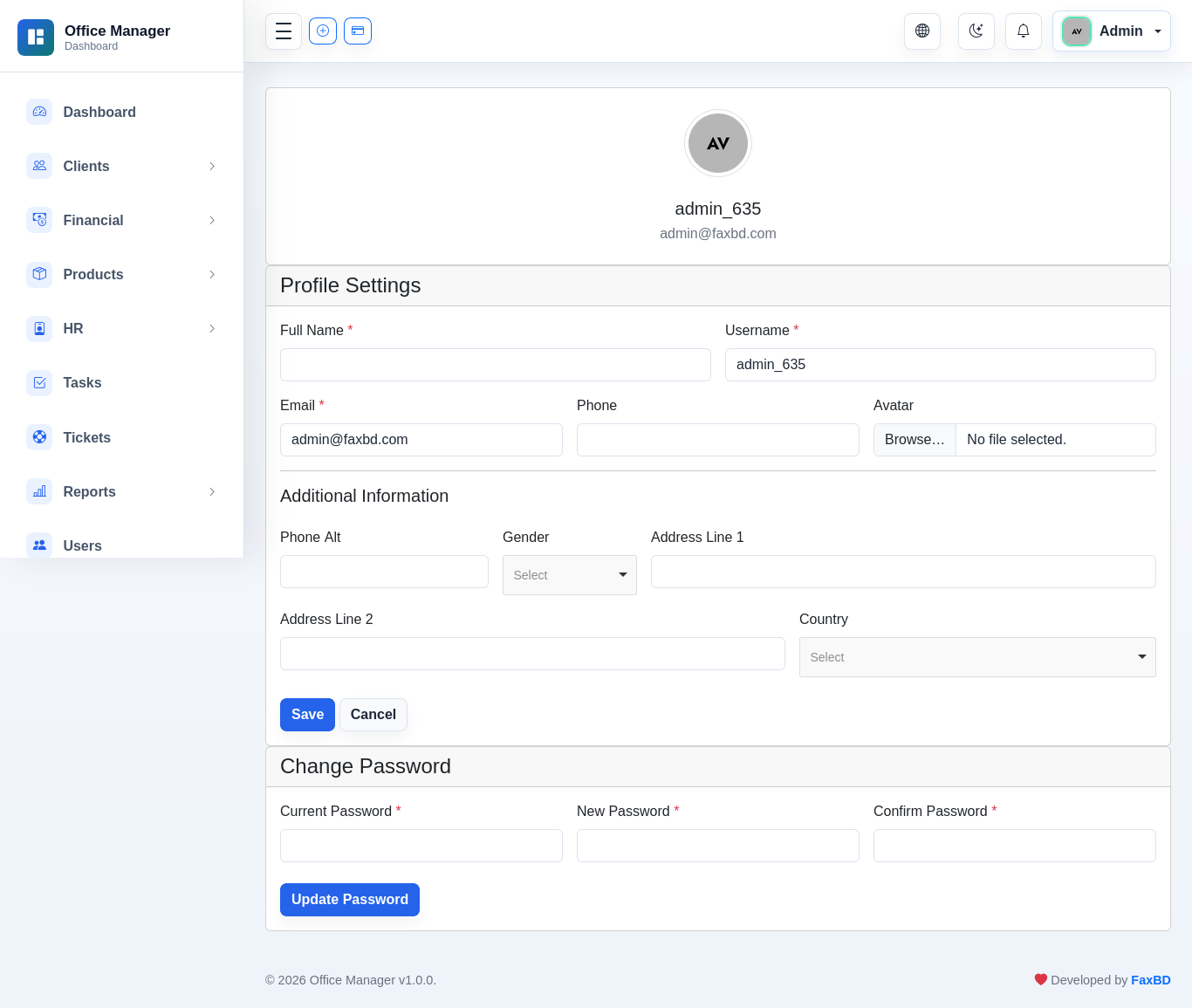
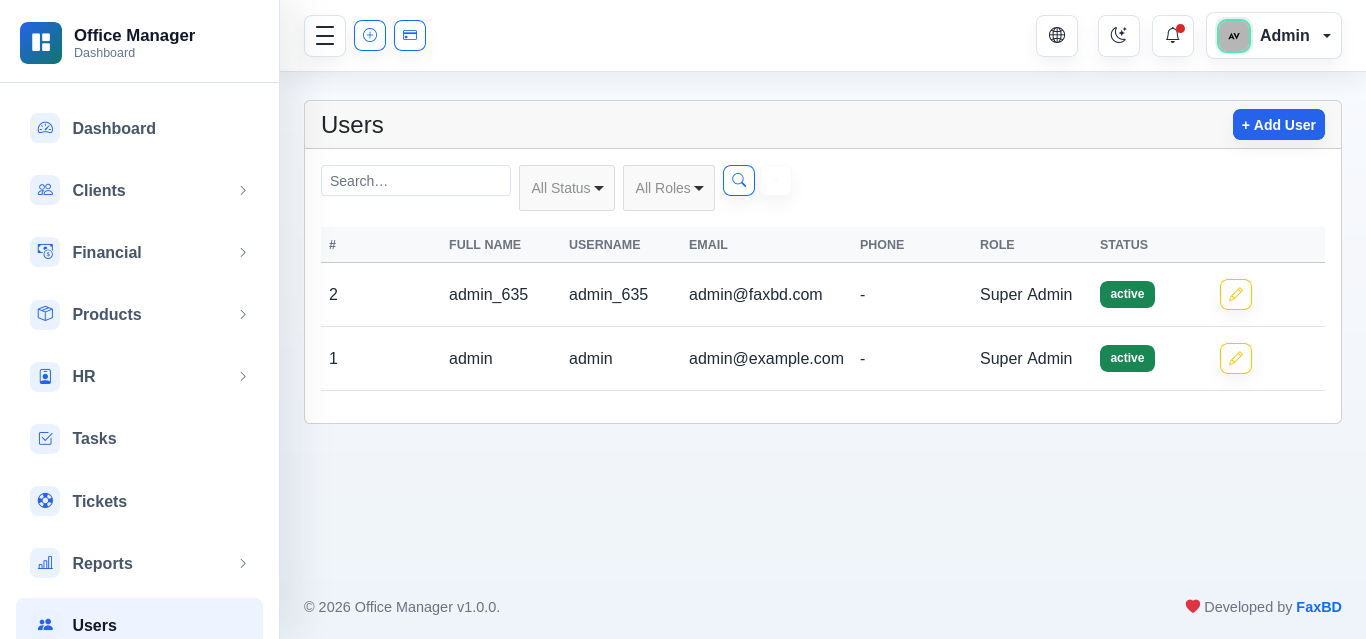


Activity Log & Notifications
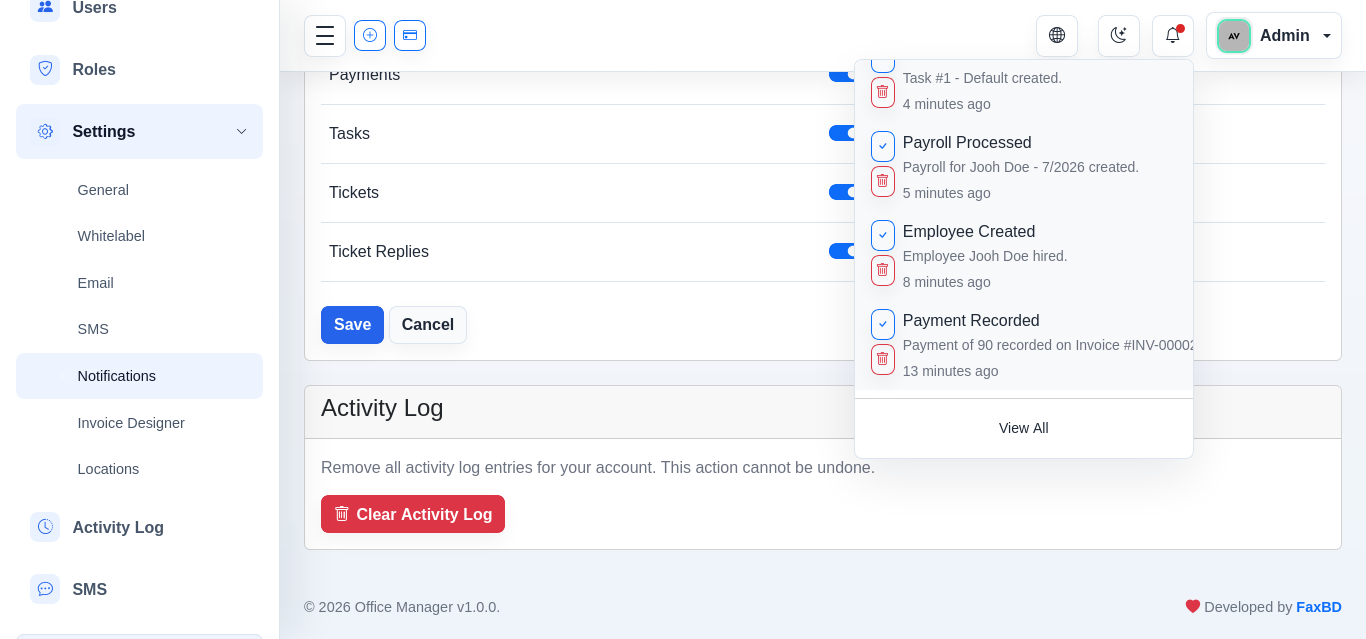
Track all user actions and view notification popups.
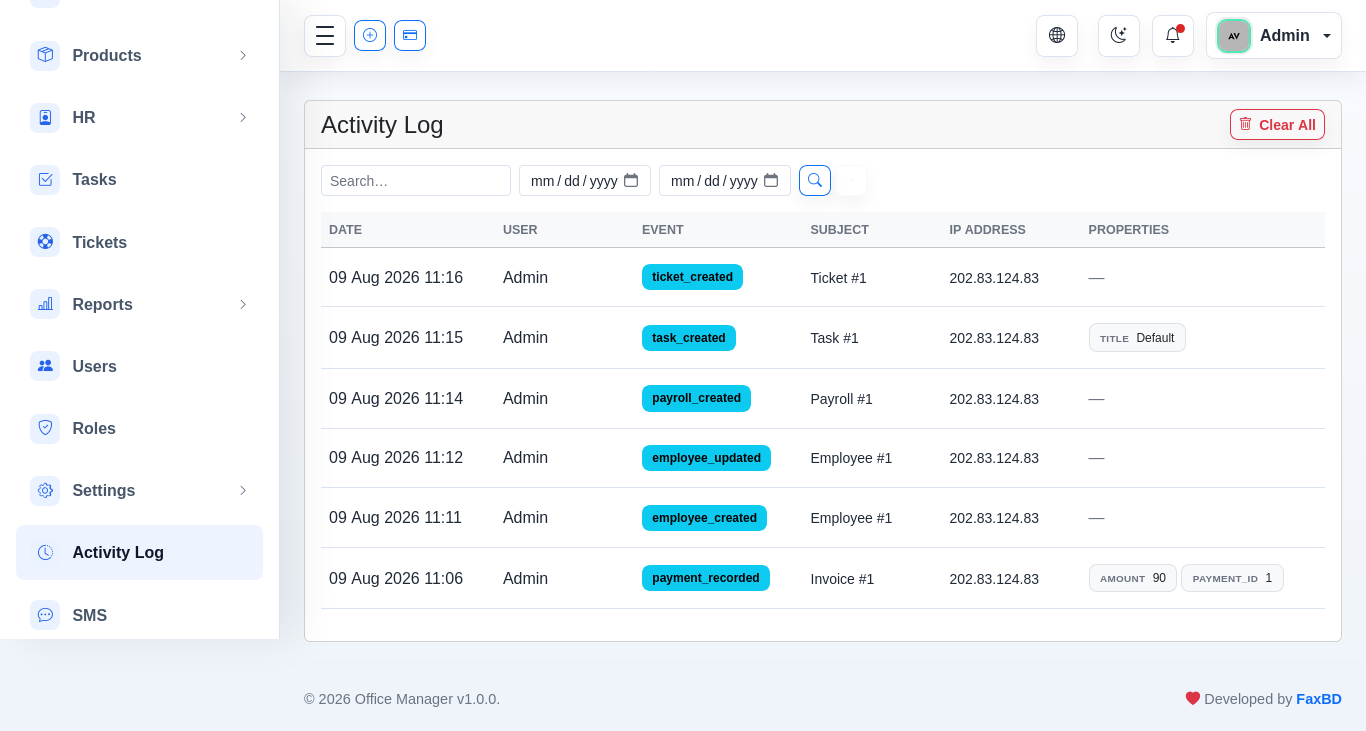
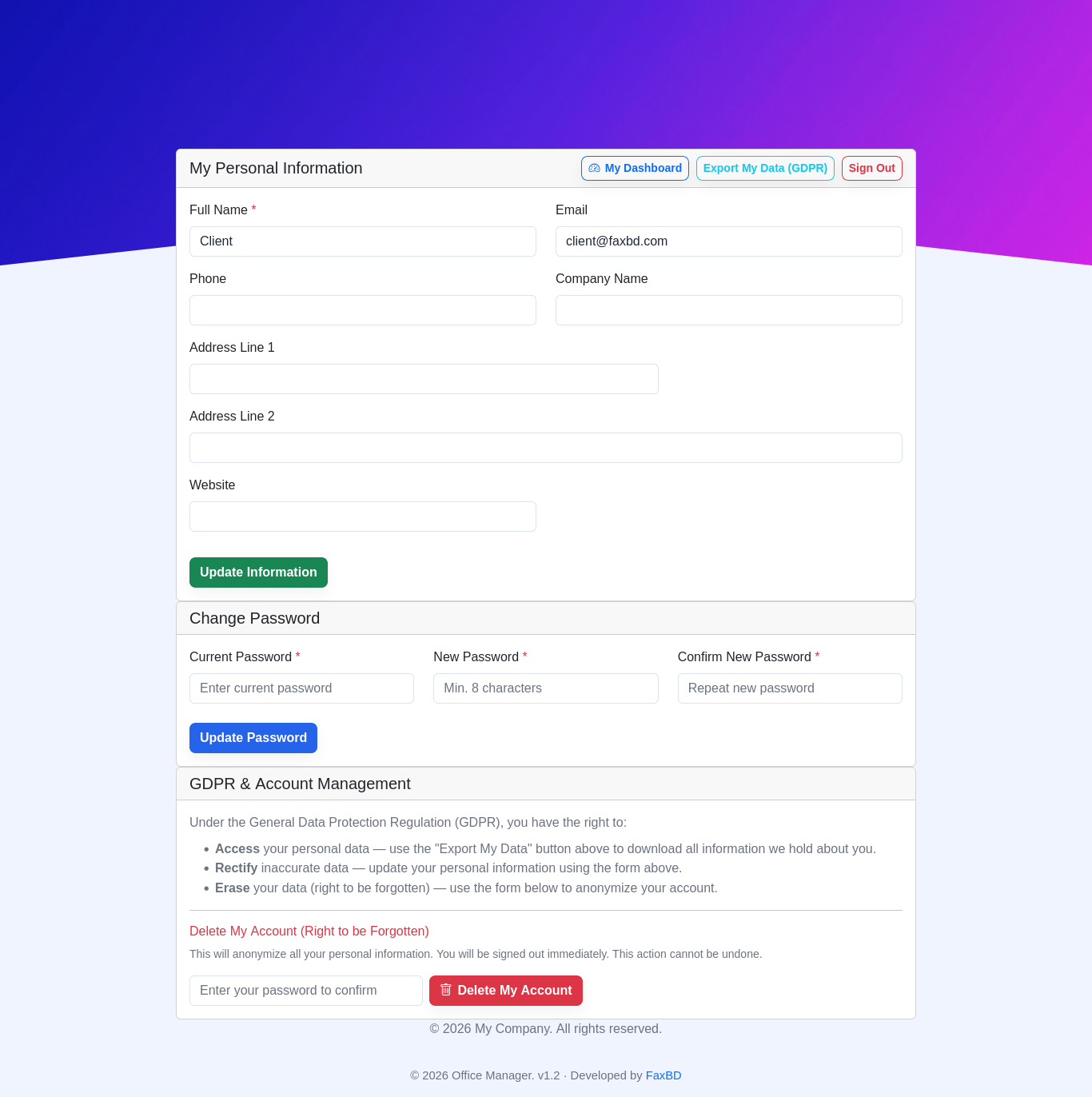
Client Portal (GDPR)
A self-service area for your clients at /client/login, protected by a dedicated clients auth guard (separate from staff users).
Access
- Login — clients sign in with their email or phone plus a password.
- OTP registration — clients who were added by staff (without a password) visit
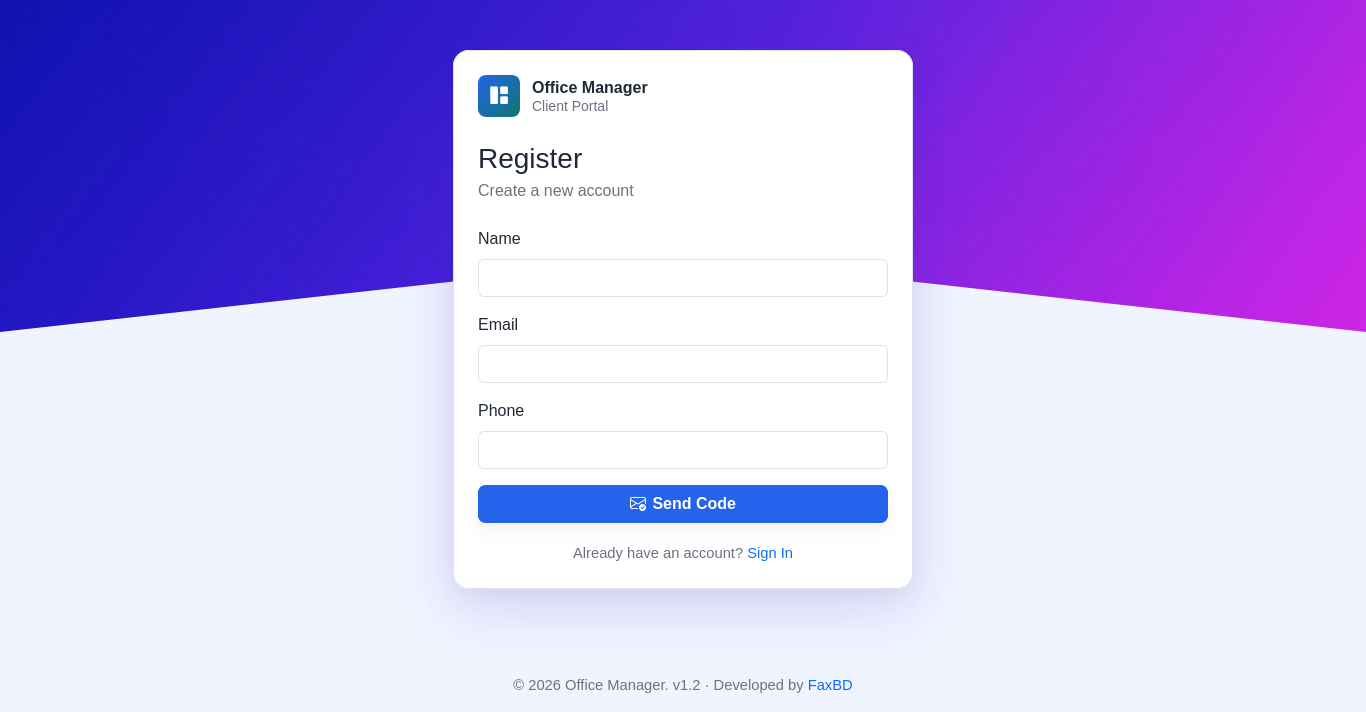
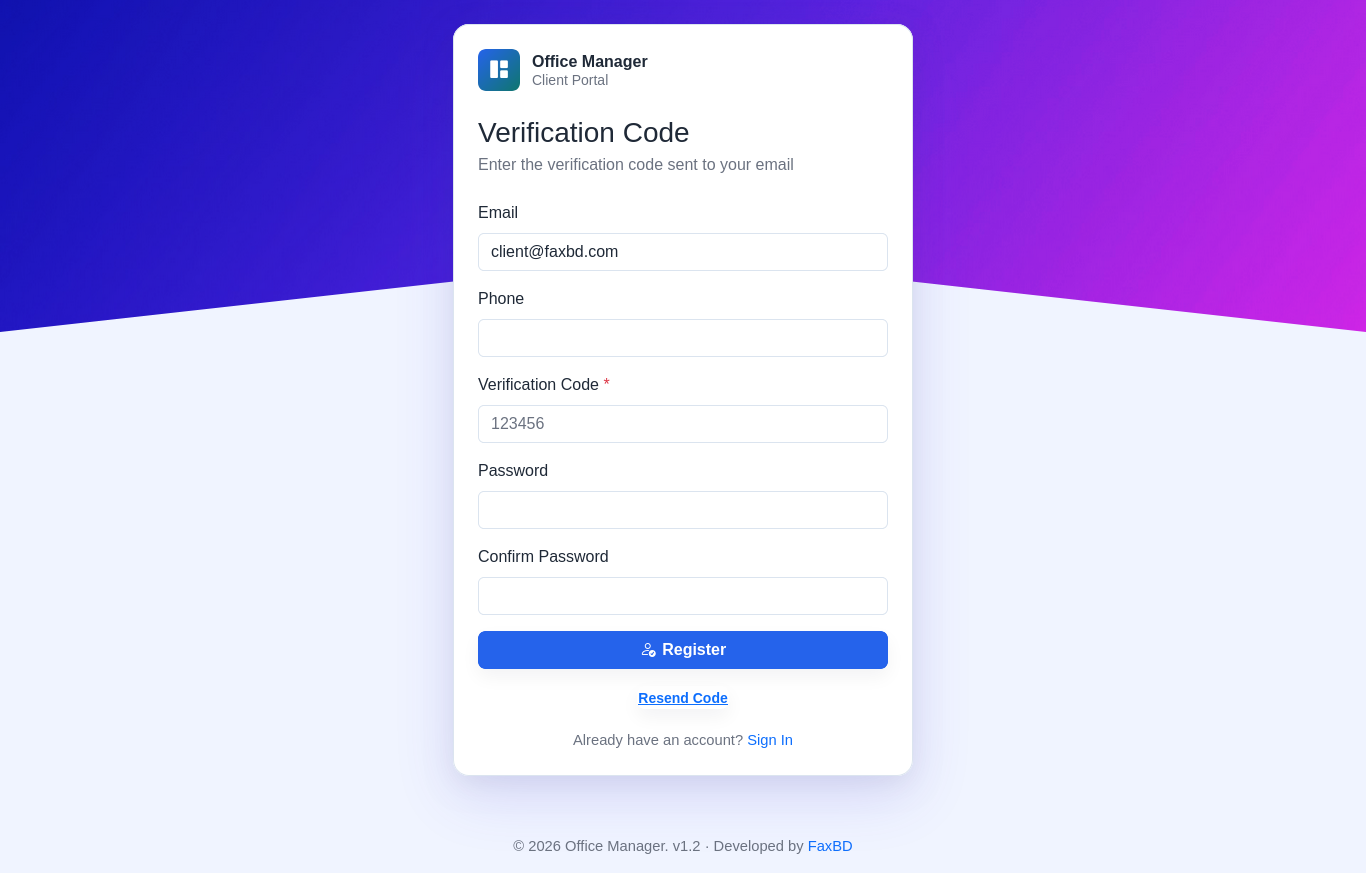
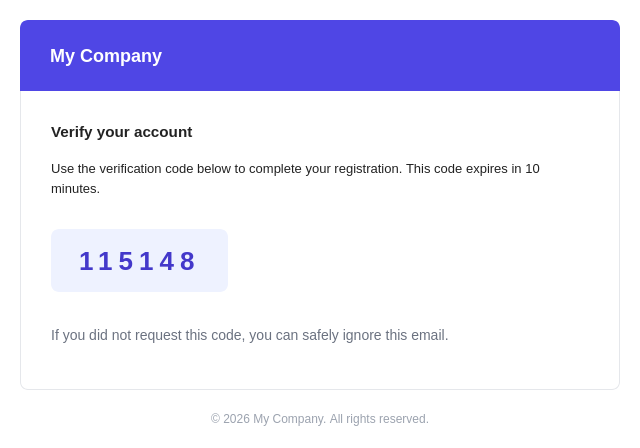
/client/register, enter their email or phone, and receive a 6-digit verification code by email (10-minute expiry, resend allowed). Entering the code sets their portal password and logs them in automatically. Registration is claim-only: only preset client records can register, and their existing email/phone cannot be changed (empty fields can be added). Staff user accounts follow the same OTP flow at/register(admins may create users with an empty password). - Forgot password — clients click "Forgot Password" on the login page, receive a password reset link by email (60-minute expiry), and set a new password which logs them in automatically.
- Logout — available from the portal navigation.

Portal Features
- Dashboard — account summary with totals, recent invoices, and payment history.
- Invoices — view invoice list and details, including PDF download.
- Payments — view their payment history.
- Advances — view their advance/prepayment balance.
- Support tickets — open and reply to support tickets.
- Profile management — view and update contact details (name, email, phone, company, address).
- Change password — self-service password update.

GDPR Compliance
| Right | Feature |
|---|---|
| Access | Client can view all stored personal data on their profile. |
| Rectification | Client can edit and correct their own profile data. |
| Data export | GET /client/profile/export downloads a JSON file with all personal data. |
| Erasure | DELETE /client/profile deletes the account and personal data. Blocked while the client has outstanding invoices or advance balances — these must be settled first. |
How to Enable Portal Access
- Create or edit a client under Clients.
- Ensure the client has a valid email (or phone) address — no password is set by staff.
- Client visits
/client/register, enters their email or phone, and follows the OTP code verification to set their own password. - Clients log in at
/client/loginafterwards.
Localization
Languages (14)
| Code | Language | RTL |
|---|---|---|
en | English | — |
bn | বাংলা (Bengali) | — |
fr | Français | — |
sp | Español | — |
de | Deutsch | — |
ae | العربية (Arabic) | ✅ |
ch | 中文 (Chinese) | — |
vi | Tiếng Việt | — |
tl | Filipino | — |
kr | 한국어 | — |
pt | Português | — |
it | Italiano | — |
ru | Русский | — |
gr | Ελληνικά | — |
Translation Files
Each language has a translation.php file with ~720 keys covering the full UI. The AppServiceProvider registers resources/lang/ as the translation namespace; all strings are accessed via __('translation.*').
Language Switching
Topbar dropdown → GET /index/{locale} → HomeController@lang() → maps code → stores in session → Localization middleware applies on every request.
RTL Support (Arabic)
When Session::get('lang') === 'ae': <html dir="rtl"> is set, CSS overrides flip sidebar to right, swap margin/padding utilities, adjust DataTables and dropdowns.
Permissions & Roles
Roles
- Super Admin — All permissions, Gate override
- Manager — Most permissions
- Staff — Limited view/create subset
Permission Groups (73 total)
Invoices, Clients, Products, Payments, Expenses, Quotations, Advances, Tickets, Companies, Departments, Designations, Employees, Payrolls, Tasks, Activity Log, Email, SMS, Reports, Settings, Users.
Each group has view_, create_, edit_, delete_ permissions (REST-style).
REST API
All endpoints authenticated via auth:sanctum middleware (token-based).
| Method | Endpoint | Controller |
|---|---|---|
| GET | /api/dashboard/stats | InvoiceController@dashboard |
| CRUD | /api/clients | ClientController |
| CRUD | /api/products | ProductController |
| CRUD | /api/invoices | InvoiceController |
| CRUD | /api/tax-rules | TaxRuleController |
| CRUD | /api/expenses | ExpenseController |
| CRUD | /api/categories | CategoryController |
| GET | /api/payment-modes | PaymentModeController@index |
| GET | /api/currencies | CurrencyController |
| POST | /api/invoices/{id}/payments | InvoiceController@recordPayment |
| POST | /api/invoices/{id}/send | InvoiceController@send |
| POST | /api/expenses/{id}/payments | ExpenseController@recordPayment |
| CRUD | /api/settings | SettingController |
| GET | /api/countries | LocationController |
| GET | /api/countries/{id}/states | LocationController |
| GET | /api/states/{id}/cities | LocationController |
CLI Commands
Run Artisan commands from the script root using your PHP CLI binary.
php artisan migrate:fresh --seed    # Full reset
php artisan migrate:refresh --seed   # Refresh
php artisan db:seed --class=...      # Single seeder
php artisan tinker                   # Interactive shell
php artisan storage:link             # Create storage symlink
rm -f storage/framework/views/*.php  # Clear view cache
View Cache Note
View cache files may need clearing if you switch between different PHP users (e.g., CLI vs web server user).
OpsHub - Office Manager — Documentation
Generated August 2026